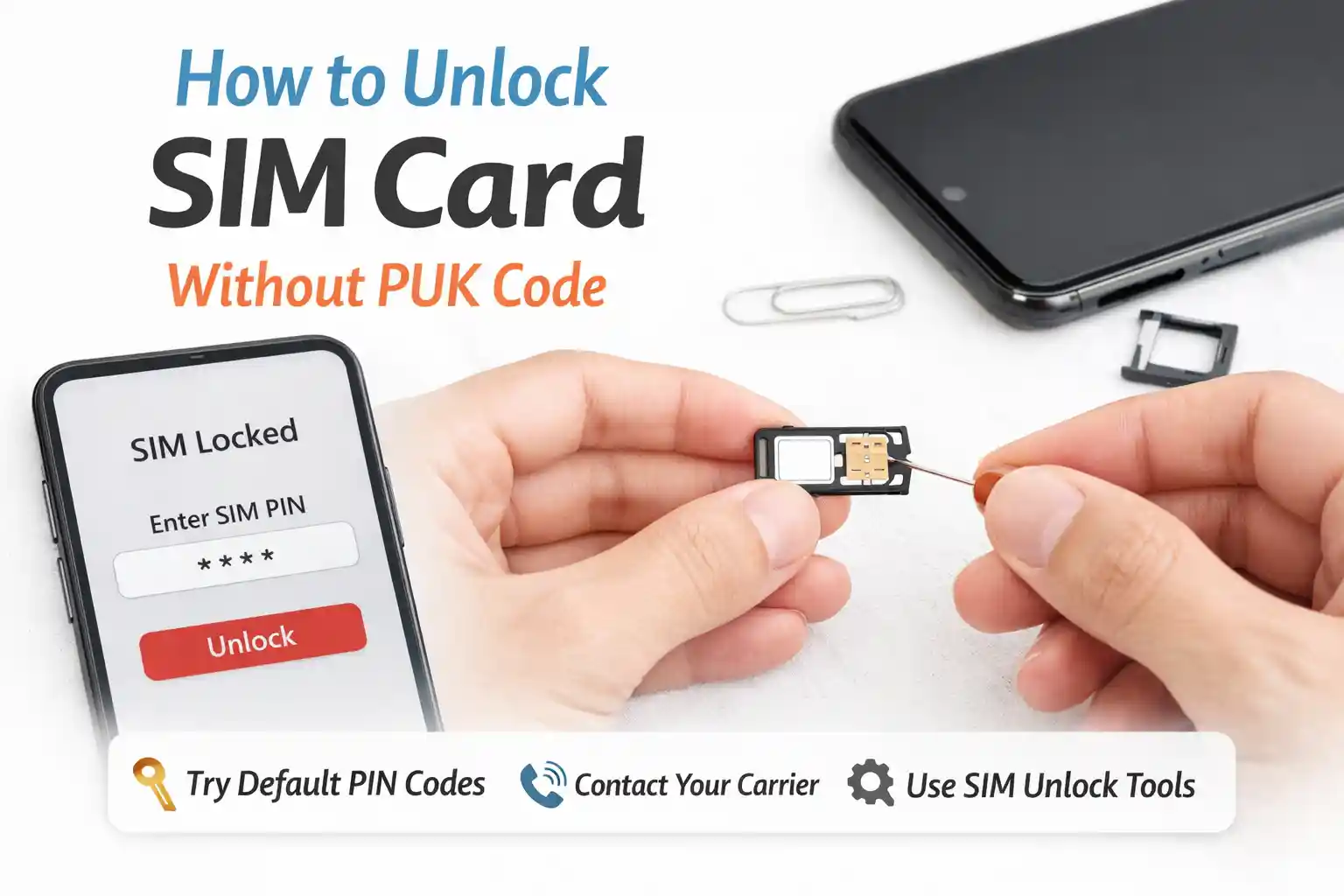



Nano vs Micro SIM: Types of SIM Cards Explained for International Travel in 2026
Nano SIM (12.3 × 8.8 mm) is the current standard for smartphones. Micro SIM (15 × 12 mm) is older but still used in some travel devices and hotspots. Neither affects signal strength—only physical fit. If your phone requires a Nano SIM and you have a Micro, use a precision-cut adapter or request the correct size from your carrier. For international travel, eSIM often bypasses the size issue entirely.
Why SIM Size Still Matters When You’re Abroad
You’re at the airport counter in Lisbon. You’ve bought a local data SIM. You pop it into your iPhone 14. It doesn’t fit. The tray expects a Nano SIM. The card you’re holding is Micro. Now what?
This moment—small, frustrating, easily avoidable—is why understanding SIM card types isn’t just technical trivia. It’s travel logistics.
Most articles list dimensions and move on. But the real issue isn’t the millimeters. It’s how carrier provisioning, device design, and regional availability intersect when you’re 3,000 miles from home.
SIM Card Sizes: The Practical Breakdown
Let’s cut through the spec sheets. Here’s what actually matters when you’re packing:
- Standard SIM (25 × 15 mm): Rare in phones now. Still found in some older travel hotspots, marine radios, or legacy IoT devices. If you’re not using equipment from before ~2015, you likely won’t encounter this.
- Micro SIM (15 × 12 mm): Common in mid-2010s devices. Still used by several European and Asian prepaid travel SIM providers because it’s easier to handle at retail counters. Compatible with Nano slots via adapter—but not vice versa.
- Nano SIM (12.3 × 8.8 mm): The default for smartphones since ~2014. iPhone 5 onward, most Android flagships. If your phone has a physical SIM tray, it almost certainly wants this size.
Dimensions don’t affect performance. A Micro SIM isn’t “stronger” than a Nano. The chip inside—the actual secure element handling authentication—is functionally identical. The plastic frame is just a housing.
But here’s where it gets tricky: some travel SIM vendors ship Micro cards by default, assuming you’ll adapt. Others ship tri-cut cards (pre-scored to pop out any size). And a growing number now offer eSIM QR codes instead of physical media.
Real-world scenario: The airport kiosk mismatch
During testing at Dallas Fort Worth International Airport, a traveler purchased a regional Europe data SIM labeled “universal fit.” The card was micro-sized. Their iPhone 15 Pro required Nano. The kiosk had no adapters. The vendor suggested trimming the card with scissors—a risky move that can damage the chip contact pad. Meanwhile, a nearby Android user with a slightly older Pixel 6 had no issue: its tray accepted Micro directly.
This isn’t hypothetical. Carrier retail partners in different regions standardize on different formats based on local device prevalence. In Southeast Asia, Micro remains common in prepaid travel packs. In North America, Nano dominates. When you buy online before departure, check the product images carefully—or better, choose an eSIM option if your device supports it.
eSIM vs Physical SIM: The Traveler’s Decision Tree
If your phone supports eSIM (iPhone XS or newer, Pixel 3 or newer, recent Samsung Galaxy models), you can often skip the size question entirely. But eSIM isn’t always the simpler choice.
At the network level, eSIM provisioning relies on a carrier’s remote SIM provisioning (RSP) infrastructure. Not all travel providers have invested in this. Some offer QR codes that work only after you land and connect to a local Wi-Fi network—creating a chicken-and-egg problem if you need data immediately upon arrival.
Physical SIMs, meanwhile, work the moment they register on a partner network. No internet required for activation. But you must manage the tiny card, keep adapters handy, and ensure your device isn’t carrier-locked.
Carrier behavior you won’t find in the FAQ
When you insert a travel SIM, your phone sends an IMSI (International Mobile Subscriber Identity) to the local network. The network checks: Is this IMSI allowed to roam here? Does the home carrier have a billing agreement? If yes, registration proceeds. If not, you get “No service” or “Emergency calls only.”
Some budget travel SIMs use “local breakout” routing: your data stays in the visited country, reducing latency. Others tunnel traffic back to the home network first, adding delay. This isn’t advertised, but it affects real-world speed. A Nano SIM from Provider A might feel slower than a Micro from Provider B—not because of size, but because of backend routing choices.
Troubleshooting SIM Issues While Traveling
When your SIM isn’t working abroad, the fix depends on where the breakdown occurs. Here’s a practical flow:
| Symptom | Likely Cause | Technical Fix + Why It Works |
|---|---|---|
| “No service” after inserting travel SIM | Device is still trying to register on the home carrier | Toggle Airplane Mode for 10 seconds. This forces the radio to clear cached network selections and renegotiate registration with available partner networks. |
| Data not working, calls/SMS fine | APN settings not auto-configured | Manually enter the carrier’s APN. APN (Access Point Name) tells your device which gateway to use for packet data. Without it, the network authenticates you but won’t route internet traffic. |
| eSIM QR code won’t activate | The device can’t reach the provisioning server | Connect to any Wi-Fi first. eSIM profile download requires an active internet connection to fetch the encrypted carrier profile from the SM-DP+ server. No Wi-Fi = stalled provisioning. |
| SIM recognized, but no data after border crossing | Roaming partner change is not auto-handled | Restart the device. This triggers a fresh location update to the HLR/HSS, allowing the network to reassign you to the optimal local partner based on current geography. |
Notice a pattern? Most “fixes” aren’t magic—they’re about resetting the handshake between your device and the network’s authentication systems. Understanding that helps you troubleshoot faster next time.
The Part Most SIM Guides Skip
Here’s what rarely gets mentioned: SIM size can indirectly affect your travel experience through carrier policy, not technology.
Some regional carriers issue only Micro SIMs for prepaid travel plans because their retail distribution channels (airport kiosks, convenience stores) find the larger format easier to handle and less prone to loss. If you’re ordering online for delivery to your home country, you might receive a Nano by default. But if you buy on arrival in Bangkok or Istanbul, you’re more likely to get Micro.
Another overlooked constraint: eSIM profile limits. iPhones support multiple eSIM profiles but only one can be active for cellular data at a time. If you’re trying to keep your home number active while adding a travel data profile, you need to manage which line handles data. This isn’t a SIM size issue—but it’s a connectivity decision that intersects with the physical/digital choice.
Also worth noting: adapter quality matters. A poorly machined Nano-to-Micro adapter can misalign the contact pads, causing intermittent registration. If you must use an adapter, choose one with precise cutouts and gold-plated contacts. Cheap plastic adapters introduce more failure points than the SIM itself.
Device Compatibility Checklist Before You Go
Don’t assume your phone will work with any SIM. Verify these three items:
- Is your phone unlocked? Carrier-locked devices reject non-partner SIMs at the firmware level. Contact your home carrier to confirm unlock status before departure.
- Which bands does it support? A Nano SIM from Europe won’t help if your phone lacks Band 20 (800 MHz), critical for rural coverage in many EU countries. Check FrequencyCheck for your model.
- Does it support eSIM? Even if you plan to use physical SIMs, having eSIM as backup expands your options. Apple and Google maintain official compatibility lists—link to them in your pre-trip research.
Pro tip: Take a photo of your current SIM tray configuration before you travel. If you swap cards abroad and something goes wrong, you’ll know exactly how the original was oriented.
Regional Nuances: What Changes Where You’re Going
Network behavior isn’t uniform globally. A few examples:
- United States: Most carriers require VoLTE provisioning for voice service. Some travel SIMs don’t include this, resulting in data-only service even if calls are advertised. Check the fine print.
- European Union: Roaming regulations cap data surcharges, but only for SIMs issued within the EU. A travel SIM bought in London (post-Brexit) may not qualify for “roam-like-at-home” benefits when used in France.
- Southeast Asia: Prepaid SIM registration often requires passport verification at point of sale. If you buy a Micro SIM in Thailand, expect to show ID and wait 10–15 minutes for activation—this is regulatory, not technical.
These aren’t SIM size issues per se, but they determine whether your chosen format actually works as intended in practice.
FAQ: Nano vs Micro SIM for Travel
Can I use a Micro SIM in a Nano SIM slot?
Only with a precise adapter. The Nano slot is smaller, so a Micro card won’t physically fit. Adapters exist, but poor-quality ones can cause connection issues. When possible, request the correct size from your carrier or use an eSIM.
Does SIM size affect signal strength or data speed?
No. The radio interface and authentication happen on the chip, which is the same size across formats. Performance differences come from carrier network quality, roaming agreements, and APN configuration—not the plastic frame around the chip.
Should I choose an eSIM or a physical SIM for international travel?
Depends on your trip. eSIM is convenient if you have Wi-Fi on arrival and your carrier supports remote provisioning. Physical SIM is more reliable if you need immediate connectivity off the plane or are visiting regions with limited eSIM adoption. Many travelers carry both as backup.
What if my travel SIM doesn’t fit my phone?
Don’t trim the card yourself. Contact the vendor for a replacement in the correct size, use a high-quality adapter, or switch to an eSIM option if available. For future trips, verify the SIM format before purchasing.
Final Recommendation: Plan for Flexibility
The “best” SIM type isn’t universal. It depends on your device, destination, and travel style.
If you’re visiting one country for a week and your phone supports eSIM, a digital travel profile is often the cleanest path. If you’re backpacking across multiple regions with older devices, a physical Nano SIM with a reliable adapter kit offers broader compatibility.
One practical approach: Before departure, install an eSIM profile from a global provider (like Airalo or Truphone) as backup. Then, upon arrival, evaluate local physical SIM options for better rates. This layered strategy hedges against provisioning delays, coverage gaps, or unexpected device behavior.
At the end of the day, SIM size is just one variable in a complex system. Understanding how carriers, devices, and networks interact gives you more control than memorizing millimeter dimensions ever could.
About the Author
Caleb Vance is a telecommunications engineer specializing in mobile network infrastructure and SIM technologies. He holds an M.S. in Telecommunication Engineering from the University of Nebraska–Lincoln (2021) and currently works in carrier infrastructure compliance within the U.S. telecom sector.
His research focuses on real-world eSIM deployment, roaming architecture, and consumer connectivity troubleshooting. This article was reviewed against current GSMA eSIM specifications (GSMA), Apple Support documentation, and Android Enterprise guidelines.
Editorial note: This content is updated quarterly to reflect changes in carrier policies and device compatibility. Last reviewed: May 2026.