
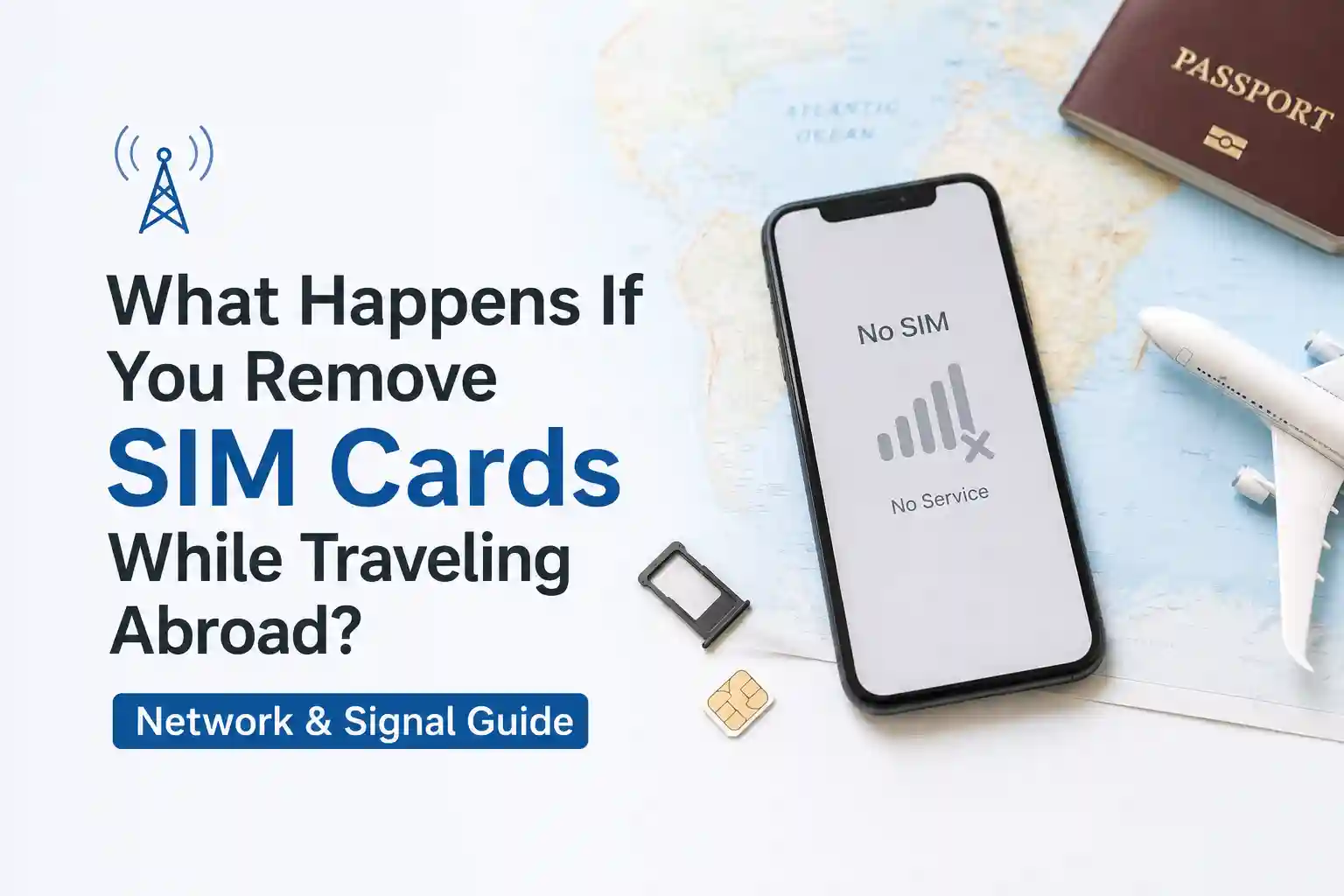

What Happens If You Remove SIM Cards While Traveling Abroad? What Actually Happens to Your Signal (2026 Guide)
You’re at a café in Lisbon. Your phone shows “No SIM.” You just popped the tray to swap cards. Now the signal bars are gone. What actually broke, and how do you fix it without losing hours?
This isn’t about fear-mongering. It’s about understanding what happens at the network layer when that tiny chip leaves the slot, why behavior differs between physical SIMs and eSIMs, and which recovery steps actually work based on how carriers provision roaming. No fluff. Just what matters when you’re abroad and need connectivity.
The Immediate Technical Reality: What the Network Sees
At the network level, your phone isn’t just “a device.” It’s an authenticated session tied to a subscriber identity (IMSI) stored on the SIM. When you remove the physical SIM:
- The secure element handshake terminates. The modem can no longer present valid credentials to the visited network’s VLR (Visitor Location Register).
- Roaming agreements become irrelevant—without an active IMSI, there’s nothing to authorize.
- Your device may still scan for networks and display available PLMNs, but registration requests will be rejected without valid authentication vectors.
Result: “No Service” or “Emergency Calls Only.” This isn’t a bug. It’s the system working as designed—preventing unauthorized access.
Wi‑Fi, however, operates on a separate stack. Apps using the internet (WhatsApp, Maps, email) keep working if you have Wi‑Fi. But native SMS verification codes, voice calls, and carrier-dependent services pause until cellular registration resumes.
Physical SIM vs. eSIM: Different Behaviors When “Removed.”
Not all “removal” is equal. The mechanics matter.
Physical SIM Removal
Physically extracting the card interrupts power and data lines to the secure element. The modem detects absence via the SIM presence pin and triggers a “SIM removed” event. The device:
- Clears temporary network context (TMSI, ciphering keys).
- Stops periodic location updates to the home network.
- May retain cached PLMN lists for faster re-scan later.
Reinsertion doesn’t always auto-resume. Why? The network may still have your previous session marked as “active” for a short window (typically 5–30 minutes), causing a temporary mismatch. A radio reset forces a fresh attach procedure.
eSIM “Removal” (Profile Disable/Delete)
eSIM profiles live in a dedicated secure element (eUICC). “Removing” usually means disabling or deleting the profile in software:
- Disable: Profile stays stored. Re-enabling is instant, but the device still needs to re-register with the network—same radio reset logic applies.
- Delete: Profile is erased. Recovery requires re-downloading via QR or carrier app, which depends on having internet (Wi‑Fi) and a working provisioning server.
A limitation often overlooked: eSIM provisioning during roaming can fail if the device’s initial attach uses a fallback carrier that doesn’t support the profile’s home network agreements. This is why some travelers report “stuck on activating” after scanning a QR code abroad.
Why Your Phone Loses Signal (and When It Doesn’t)
Signal loss after SIM removal isn’t random. It follows predictable registration logic:
- Authentication failure: No valid IMSI = no successful AKA (Authentication and Key Agreement) exchange.
- Roaming partner mismatch: Even with a valid SIM, if the visited network isn’t in your carrier’s roaming table, registration fails. Removing/reinserting won’t fix this—you need manual network selection.
- APN propagation delay: After re-registration, data may still fail if APN settings haven’t synced. This is common when switching between home and roaming profiles.
When does the signal not disappear immediately? Rare, but possible if the device caches credentials briefly or if you’re using Wi‑Fi Calling with “Cellular Data Switching” enabled (iOS) or similar Android features. These can maintain voice/SMS over Wi‑Fi for a short window after SIM removal—but it’s not reliable for travel scenarios.
Real-World Scenarios: Airport Testing, Border Crossings, Hotel Wi‑Fi Calls
Other realistic edge cases:
- Border regions: Phones near country borders may ping multiple PLMNs. Removing the SIM during this scan can cause the device to lock onto a non-roaming partner, requiring manual reselection after reinsertion.
- Hotel Wi‑Fi Calling: If you rely on Wi‑Fi Calling for texts/calls, removing the SIM may not interrupt service immediately—but incoming SMS for 2FA can fail because some banks require cellular network presence for delivery confirmation.
- Dual-SIM devices: Removing one SIM (physical) while keeping an eSIM active can work—if your carrier allows roaming on the eSIM profile. But APN conflicts between profiles can cause data to route through the wrong interface, appearing as “no internet” despite signal bars.
Troubleshooting: What to Do If You’ve Already Removed Your SIM
Generic advice says “toggle airplane mode.” Here’s why that works—and when it won’t.
For physical SIMs: power off first if the device doesn’t support hot-swap (most Android phones do; iPhones require caution). Align the notched corner. For eSIM: go to Settings > Cellular > [Profile] > Enable. This restores the credential source.
Toggle Airplane Mode ON for 10 seconds, then OFF. This clears the modem’s temporary registration state and triggers a fresh attach request. It resolves most “stuck” scenarios caused by cached network context.
A full restart clears higher-layer telephony daemon caches (like Android’s RIL or iOS’s CommCenter). This is necessary if the device logged a “SIM missing” error that persists after reinsertion.
Go to Settings > Cellular > Cellular Data Network (iOS) or Network & Internet > Mobile Network > Access Point Names (Android). Ensure the active APN matches your carrier’s roaming profile. Incorrect APNs block data even with signal bars.
If automatic registration fails, go to Settings > Cellular > Network Selection (iOS) or Mobile Network > Network Operators (Android). Disable “Automatic,” wait for the list to populate, and choose a carrier known to partner with your home provider. This bypasses PLMN priority conflicts.
Why these steps work: They address specific failure points in the registration chain—credential availability, radio state, daemon cache, data routing config, and partner selection. Skipping the “why” leads to random toggling that wastes time.
What Most Travel Guides Oversimplify About SIM Removal
Here’s the part most setup guides skip: carrier provisioning systems aren’t uniform. A profile that works instantly in Tokyo may stall in Buenos Aires because of backend HSS synchronization delays. Or because the local partner uses a different MAP protocol version for roaming updates.
Another overlooked constraint: eSIM QR codes are often single-use and region-locked. Scanning a travel eSIM QR while already abroad can fail if the provisioning server checks the device’s current PLMN against the profile’s allowed territories. The fix? Download and enable the profile while still on home Wi‑Fi before departure.
Also: “No service” isn’t always about the SIM. In dense urban areas with aggressive network reselection, a device can bounce between 4G/5G layers. If the SIM removal happens during this handover, the re-attach may target a band the device no longer supports in that region (e.g., missing Band 20 in Europe). Manual band selection isn’t user-accessible on most phones—which is why a reboot (which resets the radio stack) often helps.
The surprising part is how differently identical phones behave across roaming agreements. Two iPhone 15s on the same US carrier can have divergent experiences in the same Lisbon café because one previously cached a different partner’s credentials. It’s not magic—it’s stateful provisioning.
Pre-Travel Checklist: Avoiding Signal Loss Abroad
Prevention beats troubleshooting. Before you go:
- Test eSIM provisioning at home: Enable your travel profile while on Wi‑Fi. Confirm it can register (even if you don’t use it yet). This validates the QR and backend provisioning.
- Document APN settings: Screenshot your carrier’s roaming APN. If data fails abroad, you can manually re-enter it without hunting for support pages.
- Enable Wi‑Fi Calling + note limitations: Understand that some banks and services block SMS over Wi‑Fi Calling. Keep a backup auth method.
- Carry a physical backup SIM: Even if you prefer eSIM, a low-cost local physical SIM can rescue you if eSIM provisioning fails mid-trip.
- Save manual network selection steps: Know where the menu lives on your device. When automatic fails, manual selection is the fastest recovery.
One subtle observation: The setup process seems straightforward until regional carrier provisioning enters the picture. A profile activated in the US may require a different authentication flow in Southeast Asia due to local regulatory routing. Testing beforehand surfaces these gaps.
Frequently Asked Questions
Q: Will removing my SIM card while abroad permanently disconnect my phone?
A: No. Removing a physical SIM temporarily halts cellular registration. Your device retains its IMEI and can re-register once a valid SIM or eSIM profile is active. eSIM profiles remain stored unless explicitly deleted.
Q: Can I use Wi‑Fi without a SIM card while traveling?
A: Yes. Wi‑Fi calling, messaging apps, and browser functions work independently of SIM status. However, emergency calls (like 911/112) may have limited functionality without an active cellular registration.
Q: What’s the difference between removing a physical SIM vs. disabling an eSIM?
A: Physical SIM removal physically interrupts the secure element handshake. Disabling an eSIM profile is a software toggle that preserves the profile for reactivation. eSIMs avoid mechanical wear but depend on device firmware stability during roaming.
Q: Why does my phone sometimes show ‘No Service’ even after reinserting the SIM?
A: Network registration isn’t instant. The device must re-authenticate with the HLR/HSS, negotiate roaming agreements, and refresh APN settings. A forced radio reset (airplane mode toggle) or reboot often resolves temporary provisioning mismatches.
Q: Can I receive SMS verification codes over Wi‑Fi if my SIM is removed?
A: Generally, no. Most SMS delivery requires cellular network registration. Some carriers support SMS over Wi‑Fi Calling, but this isn’t universal and often excludes short-code messages used for 2FA.
• GSMA. (2025). eSIM Technical Overview
• Apple Support. (2026). Use Dual SIM with iPhone
• Android Help. (2026). Set up a mobile network & internet
• 3GPP TS 23.122. (2025). Non-Access-Stratum (NAS) functions related to the Mobile Station (MS) in idle mode
• Federal Communications Commission. (2025). Wireless Roaming Guidelines
Last updated: May 11, 2026. This article reflects current telecom implementation research and evolving mobile infrastructure standards. For carrier-specific roaming policies, consult your provider’s official documentation.