
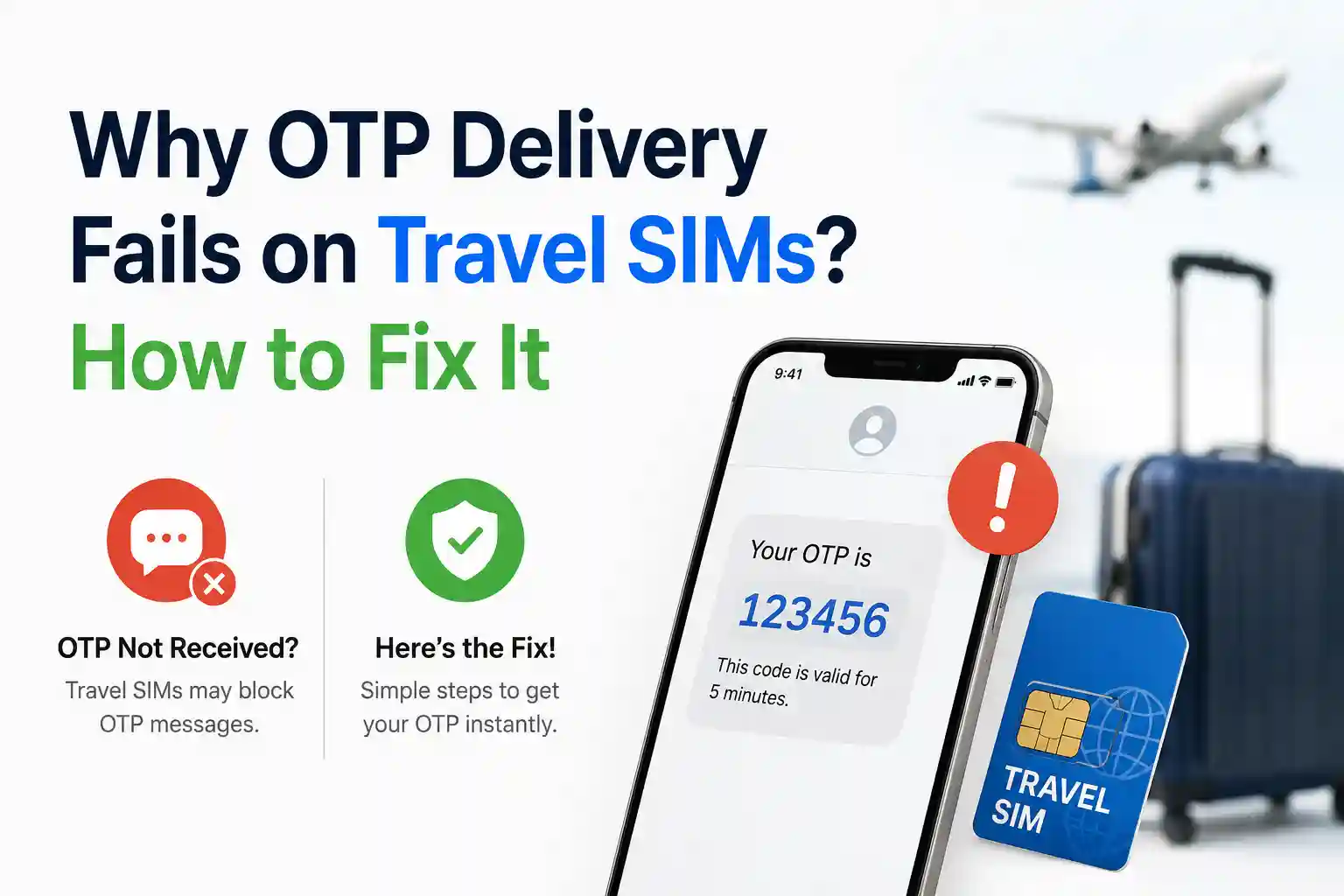

Why OTP Delivery Fails on Travel SIMs? How to Fix It in 2026
What’s Actually Happening at the Network Level
When a service sends an OTP via SMS, the message follows a specific routing path: originating platform → SMS center (SMSC) → home network → roaming partner (if abroad) → device. Each hop depends on provisioning agreements and real-time registration status.
Travel eSIMs complicate this because they often operate on wholesale data agreements that exclude voice and SMS termination. The profile activates a data bearer on a visited network, but the SMSC for your original number may not recognize the roaming context, or your home carrier may block inbound SMS to prevent fraud during SIM changes.
At the device level, dual-SIM logic adds another layer. iPhones and Android phones can assign different roles to each line: one for cellular data, another for voice/SMS. If the line set to handle SMS has no signal, is disabled, or lacks roaming permissions, the message queue times out. The sender sees “delivered” on their side; you see nothing.
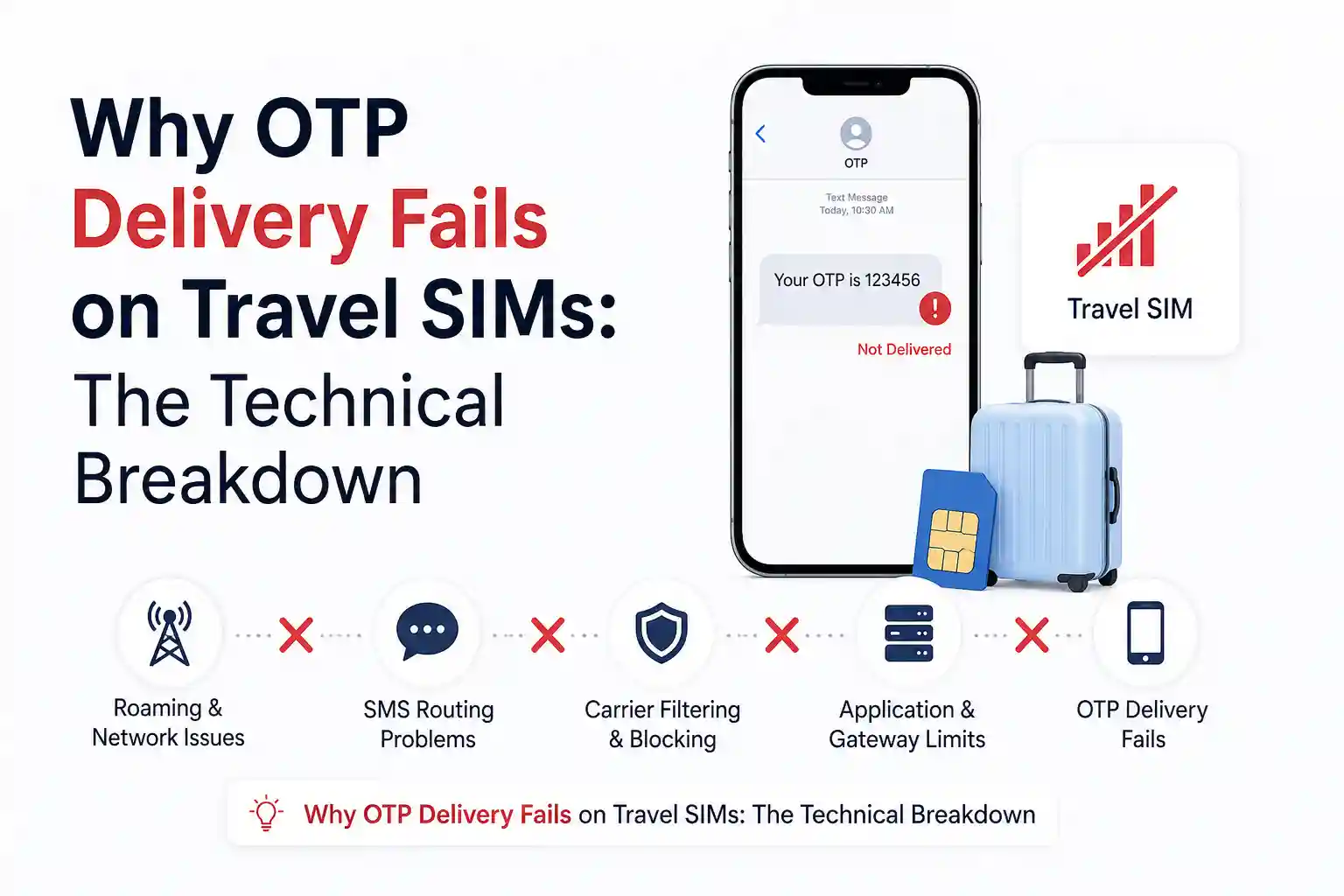
Why OTP Delivery Fails on Travel SIMs: The Technical Breakdown
Data-Only Plans Don’t Include SMS Termination
Most affordable travel eSIMs are engineered for data throughput, not telephony. They provision a PDN connection for the internet but omit an MSISDN (phone number) with SMS capabilities. When your bank sends a code to your registered number, the SMSC attempts delivery to that number’s home network. If your device isn’t registered there for SMS—because the travel eSIM doesn’t support it—the message stalls.
Roaming SMS Requires Separate Agreements
Even if your home carrier supports SMS while abroad, the visited network must have a roaming agreement that includes SMS termination. Some regional carriers prioritize data roaming for wholesale partners but deprioritize or block SMS to reduce signaling load. This isn’t visible in your phone’s signal bars; it’s a backend policy.
SIM Swap Security Blocks
Carriers often impose a 24–48 hour “cooling period” after a SIM or eSIM change. During this window, inbound SMS—especially from financial institutions—may be filtered or delayed as a fraud prevention measure. The logic is sound: prevent SIM-swap attacks. The side effect: travelers who switch to a travel eSIM right before departure may find critical codes blocked precisely when they need them most.
Device Configuration Mismatches
On dual-SIM devices, the OS decides which line handles SMS. If your travel eSIM is set as the default for cellular data but your home line is disabled for messaging, the phone may attempt to route SMS through a line that can’t receive it. Android and iOS handle this differently; a setting that works on a Pixel may behave unexpectedly on a Samsung device due to manufacturer customizations.
APN and Network Registration Edge Cases
Incorrect APN settings can prevent proper network attachment for non-data services. While APNs primarily govern data sessions, some carriers bundle SMS routing logic into the same provisioning profile. If the APN doesn’t match the visited network’s expectations, the device may register for data but fail to establish a signaling channel for SMS.
Real-World Scenarios: Where Theory Meets the Terminal
During testing at London Heathrow, an iPhone 15 with a UK-issued travel eSIM connected to data within seconds. Banking OTPs, however, arrived only after manually selecting the home carrier’s roaming partner in network settings. The phone had auto-attached to a high-throughput data network that didn’t support SMS termination for that profile.
A recurring pattern appears during trans-Pacific travel. A device landing in Tokyo may register on a carrier that supports data roaming for a US travel eSIM but lacks an SMS interconnect with the user’s home provider. The result: WhatsApp works over data, but the airline app’s SMS verification hangs indefinitely.
These aren’t edge cases. They reflect how wholesale eSIM providers often prioritize data coverage breadth over telephony completeness. The trade-off is cost versus reliability—and most travelers aren’t told which side of that equation they’re buying.
Step-by-Step Fixes That Actually Address the Root Cause
1. Verify Which Line Owns Your Registered Number
Why this works: OTPs are sent to a specific MSISDN, not to “the phone.” If your bank has your home number on file, that number must be active and reachable. On iPhone: Settings → Cellular → tap each line to see its number. On Android: Settings → Network & Internet → SIMs. Confirm the line with your registered number is enabled for calls and SMS.
2. Keep Your Home Line Active for SMS, Even If Data Roaming Is Off
Why this works: Inbound SMS often doesn’t require data roaming to be enabled on the home line. You can disable mobile data on your home SIM to avoid charges while still allowing the signaling channel for SMS to remain open. This preserves OTP delivery without incurring roaming data fees.
3. Manually Select a Network That Supports SMS Roaming
Why this works: Auto-network selection may attach your device to a carrier optimized for data but not SMS termination. Manually choosing a network with broader roaming agreements (often the largest local carrier) can restore SMS delivery. Go to Settings → Cellular → Network Selection (iOS) or Settings → Mobile Network → Network operators (Android), then test with a simple SMS from another phone.
4. Restart the Device After Installing or Switching eSIM Profiles
Why this works: A reboot forces the telephony stack to re-register with the network and refresh provisioning contexts. This can resolve temporary mismatches where the device believes it’s registered for SMS but the network hasn’t completed the binding.
5. Test SMS Delivery Before You Depend on It
Why this works: Send a test message from a trusted contact to your registered number while on your travel setup. If it fails, you’ve identified the gap before a critical login attempt. This simple validation catches configuration issues that theoretical guides miss.
6. Use App-Based Authentication as a Backup
Why this works: Authenticator apps (Google Authenticator, Authy, Microsoft Authenticator) generate codes locally and don’t rely on SMS delivery. Enabling these before travel creates a fallback path that bypasses roaming SMS complexities entirely.
The Part Most eSIM Setup Guides Skip
Many articles treat “eSIM” as a monolithic technology. In practice, the experience depends entirely on the provider’s backend provisioning. Two travel eSIMs with identical QR codes can behave differently because one uses a wholesale data agreement with SMS termination rights and the other doesn’t.
Another overlooked constraint: time zones and provisioning latency. Some eSIM profiles activate instantly; others require backend synchronization that can take minutes or hours. If you install a travel eSIM mid-flight and expect immediate OTP delivery upon landing, you may be waiting on a provisioning job that hasn’t completed.
Regional network differences matter more than device specs. A phone that receives SMS flawlessly in Berlin may struggle in Bangkok, not because of hardware, but because the visited carrier’s roaming interface with your home provider handles SMS differently. This isn’t a user error—it’s a systemic limitation rarely disclosed in product descriptions.
Prevention Checklist: Before You Travel
- Confirm your travel eSIM plan details: does it include SMS or is it data-only?
- Keep your home SIM or primary eSIM enabled for calls/SMS
- Disable mobile data roaming on your home line to avoid charges
- Set your travel eSIM as the default line for cellular data
- Test SMS reception with a trusted contact before departure
- Enable app-based 2FA on critical accounts as a backup
- Save offline copies of backup codes or recovery contacts
- Label your lines clearly in device settings (“Home – SMS”, “Travel – Data”)
Frequently Asked Questions
Can a data-only eSIM receive SMS?
No. Data-only eSIM plans typically do not support traditional SMS termination. OTPs sent to your registered number will only arrive if that number remains active on a different line.
Why am I not getting bank verification codes while using a travel eSIM?
The codes are likely being sent to your original registered number. If the line holding that number is disabled, removed, or blocked from roaming SMS, delivery fails. Keep that line active for messaging.
Do I need to enable data roaming on my home SIM to receive SMS abroad?
Usually not. Inbound SMS often works with data roaming disabled on the home line, but carrier policies vary. Confirm with your provider before travel.
Can I use WhatsApp or iMessage if my travel eSIM doesn’t receive SMS?
Yes. These apps use internet connectivity, not SMS, for message delivery after initial setup. Your travel eSIM can provide data while your home line handles occasional verification texts.
What if I removed my physical SIM and now can’t receive OTPs?
Reinsert the physical SIM or ensure your home number is active on an eSIM profile. OTPs are tied to the phone number, not the device or data connection.
How do I know if my eSIM supports SMS?
Check the provider’s product page, order confirmation, or support documentation for terms like “data-only,” “no voice/SMS,” or “includes local number”.
References and Further Reading
- GSMA. “eSIM Remote SIM Provisioning Architecture.”
- Apple Support. “Use Dual SIM with iPhone.”
- Android Help. “Manage SIMs and mobile networks.”
- 3GPP TS 23.040: “Technical realization of the Short Message Service.”
- NoveSIM. “Why Is My eSIM Not Receiving SMS?“
- TripoSIM. “Can You Receive OTP Codes and Bank SMS with a Travel eSIM?“
Structured FAQ for Search
Can a data-only eSIM receive SMS?
No. Data-only eSIM plans typically do not support traditional SMS termination. OTPs sent to your registered number will only arrive if that number remains active on a different line.
Why am I not getting bank verification codes while using a travel eSIM?
The codes are likely being sent to your original registered number. If the line holding that number is disabled, removed, or blocked from roaming SMS, delivery fails. Keep that line active for messaging.
Video Credit: Momshie Jhona
About the Author
Caleb Vance is a telecommunications engineer and technical strategist specializing in mobile network infrastructure, SIM technologies, and next-generation wireless systems. He earned his Master of Science in Telecommunication Engineering from the University of Nebraska–Lincoln in 2021, focusing on signal processing and modern cellular protocols.
Currently working in network auditing and carrier infrastructure compliance within the United States telecom sector, Caleb focuses on translating complex connectivity systems into practical, understandable guidance for consumers and travelers. His work centers on real-world mobile behavior, eSIM deployment systems, roaming architecture, and consumer connectivity troubleshooting.
This article was reviewed against current GSMA eSIM specifications, carrier provisioning documentation, and device manufacturer guidelines. Last updated: May 2026.
Editorial Policy: We prioritize technical accuracy and real-world testing over promotional content. All troubleshooting steps are validated against multiple device types and carrier scenarios. Sources and standards references are cited where applicable.