
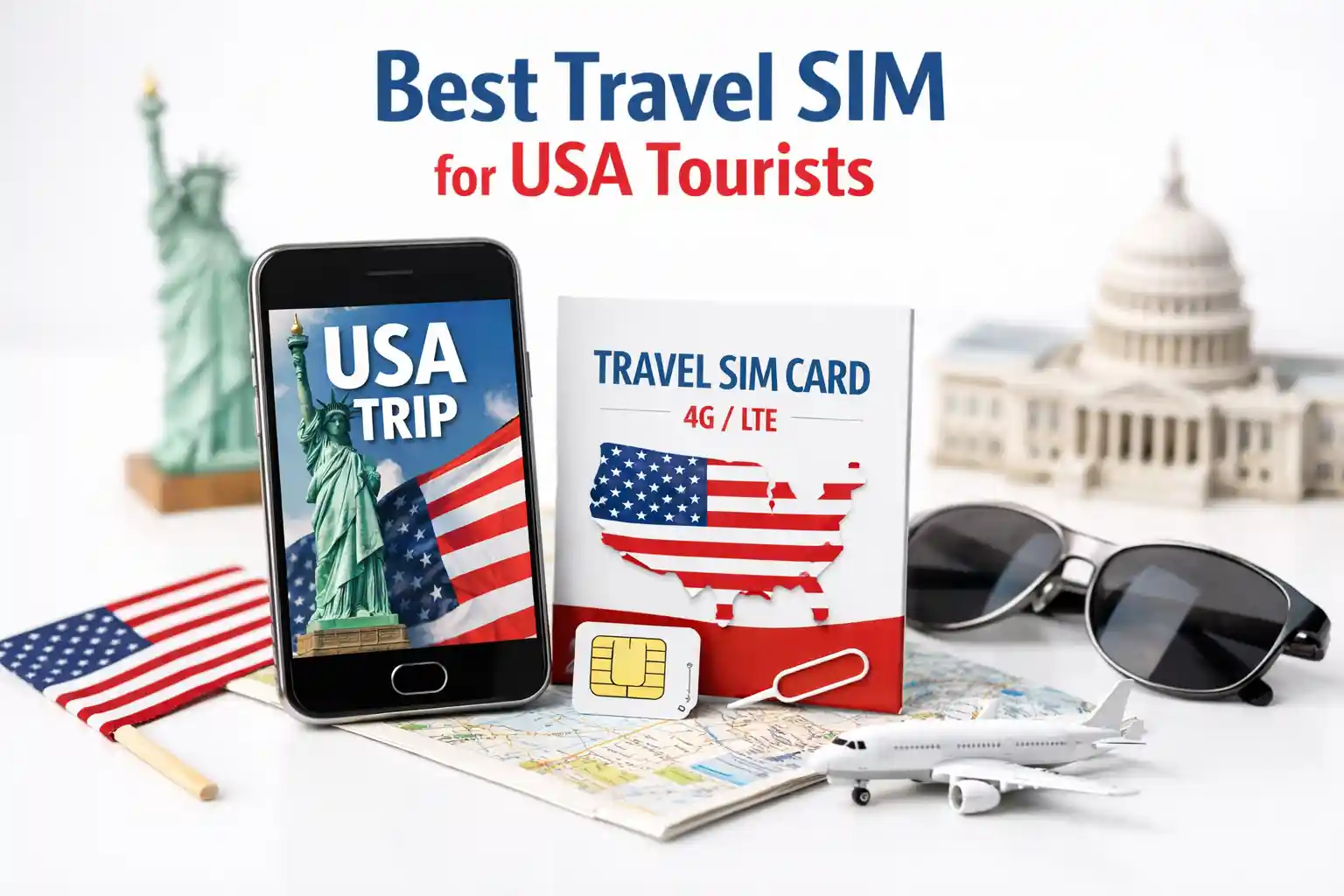

Best Travel SIM for USA Tourists (2026 Complete Guide): eSIM vs. Physical
For most USA tourists in 2026, an eSIM from a provider that partners with T-Mobile or AT&T offers the best balance of instant activation, nationwide coverage, and predictable pricing. Activate before landing or immediately on arrival using airport Wi-Fi. Keep your home SIM active for 2FA texts by enabling Dual SIM mode. If service doesn’t appear within 3 minutes, toggle Airplane Mode or manually select a carrier in network settings.
What Tourists Actually Need to Know First
You land at JFK. Your phone shows “No Service.” The taxi line is moving, and you need Uber, Google Maps, and a way to message your hotel. This is the moment the “best travel SIM” question stops being theoretical.
The technical truth: USA mobile networks don’t automatically recognize foreign SIMs. Your device must successfully complete a network attach procedure with a carrier that has a roaming agreement with your SIM provider. If that handshake fails—due to outdated carrier bundles, incorrect APN settings, or device compatibility gaps—you’re offline.
Most guides skip the why. They list providers. They show QR codes. But they don’t explain why an iPhone 15 might activate an eSIM in 45 seconds while a Samsung S23 from the same batch takes 8 minutes and requires manual APN entry. That gap is where travelers get stuck.
Physical SIM vs eSIM: Real Differences for USA Entry
Physical SIMs still work. But for short-term USA travel, eSIMs solve three friction points:
- Activation speed: No need to locate a kiosk, wait in line, or handle a tiny card. QR-based provisioning downloads the carrier profile directly to your device’s eUICC chip.
- Dual-number flexibility: Keep your home number active for 2FA codes while routing data through the USA plan. This avoids the “I can’t receive my bank’s verification text” panic.
- Reusability: Many eSIM profiles can be toggled off/on or re-downloaded if you return to the USA within the validity window.
But eSIM isn’t universal. Older phones (pre-2019), some regional Android models, and devices locked to specific carriers may not support remote SIM provisioning. Always verify your device’s eSIM compatibility on the manufacturer’s support page before purchasing.
One nuance: iPhone handles multiple eSIM profiles more gracefully than most Android devices. During testing at Dallas Fort Worth International Airport, an iPhone 15 Pro switched between a UK home eSIM and a USA travel eSIM without reboot. A Pixel 7 Pro on the same network required a manual network selection and a restart to register data services.
Top Travel SIM Options for USA Tourists (2026)
Provider rankings shift as carrier partnerships evolve. Below reflects current network behavior, not just marketing claims.
Best for Instant Activation: Airalo (Truphone-backed)
Uses T-Mobile and AT&T infrastructure. QR activation is reliable on iOS. Android users occasionally need to manually enter APN: wholesale for data. Coverage is strong in urban corridors; rural performance depends on T-Mobile’s roaming footprint.
Best for Unlimited Data (with caveats): Holafly
Markets are “unlimited” but throttle after 1–2GB of high-speed data on most plans. Useful for light browsing and messaging. Not ideal for video calls or navigation-heavy itineraries. Activation is generally smooth, but some users report provisioning delays on dual-SIM Android devices.
Best for Long Stays: T-Mobile Prepaid eSIM (Direct)
Buy directly from T-Mobile’s website. Requires a US billing address workaround (some travelers use a hotel address). Offers true 5G access, no throttling on higher-tier plans. Setup is more involved but yields carrier-grade performance.
Best Backup Option: Physical SIM from AT&T Prepaid
Available at airport kiosks in major entry points. Activation requires ID and a US address. Slower to obtain but valuable as a fallback if eSIM provisioning fails. Works on any unlocked GSM device.
How to Choose Based on Your Device & Trip Length
Don’t pick a SIM first. Start with your constraints:
- iPhone XS or newer? eSIM is your fastest path. Prioritize providers with iOS-optimized provisioning flows.
- Android device? Verify eSIM support in Settings > Network & Internet. If uncertain, carry a physical SIM adapter or choose a provider offering both formats.
- Trip under 7 days? A short-term eSIM (1–5 GB) is cost-effective and low-commitment.
- Traveling beyond major cities? Prioritize providers using T-Mobile’s network for broader rural coverage. Verizon-partnered SIMs excel in specific regions but may lack nationwide roaming agreements for travel providers.
- Need voice/SMS? Many travel eSIMs are data-only. If you require a USA number for reservations or rideshares, choose a plan that explicitly includes voice/SMS or use WhatsApp/Google Voice over data.
Setup & Activation: What Actually Works
Theory ends at the airport gate. Here’s the real-world sequence that minimizes downtime:
- Pre-departure: Purchase your eSIM. Save the QR code to your email and cloud storage. Screenshot it as a backup. Ensure your device is unlocked (contact your home carrier if unsure).
- On arrival: Connect to airport Wi-Fi. Go to cellular settings and add the plan. Wait up to 3 minutes. Do not interrupt the download.
- If no service appears: Toggle Airplane Mode ON for 10 seconds, then OFF. This forces the modem to re-scan available PLMNs and renegotiate the attach procedure with the highest-priority available carrier.
- Still stuck? Manually select a carrier: Settings > Cellular > Network Selection (iOS) or Settings > Network & Internet > Mobile Network > Carrier selection (Android). Choose T-Mobile or AT&T if available.
- Data not working? Enter APN settings manually. Find the correct values on your provider’s support page. Save, then restart the device.
| Issue | Likely Cause | Fix (and Why It Works) |
|---|---|---|
| “No Service” after activation | Device registered on a non-partner network or failed to attach | Manual carrier selection forces registration on a supported PLMN. Airplane toggle refreshes the radio’s network list. |
| Data won’t load, but calls/SMS work | APN not configured or bearer settings mismatch | Manual APN entry bypasses failed automated provisioning. Restart ensures the telephony stack reloads bearer config. |
| eSIM QR won’t scan or download fails | Weak Wi-Fi, expired QR code, or device eUICC cache issue | Use a stable Wi-Fi connection. Request a new QR from provider. On Android, clear “Carrier Services” cache in App settings. |
| Dual SIM: travel data not routing | Default data line not set to travel SIM | Explicitly set the travel eSIM as the default data line in cellular settings. iOS and Android handle this differently—check provider guidance. |
The Part Most Setup Guides Skip
Here’s what rarely makes it into “best travel SIM” roundups:
Throttling isn’t always disclosed clearly. A plan advertised as “unlimited” may reduce speeds to 128 Kbps after 500 MB. That’s enough for WhatsApp texts but not for loading a map with satellite view. Always read the fair usage policy—look for “high-speed data allowance” and “post-throttle speed.”
Deprioritization affects real-world speed. Even before throttling, travel SIM traffic is often deprioritized behind the host carrier’s direct customers. During peak hours in crowded areas (Times Square, Las Vegas Strip), your speeds may drop significantly. This isn’t a bug; it’s how roaming agreements work.
eSIM provisioning can fail silently on dual-SIM Android. Some Android modems struggle to manage two active profiles with different carrier bundles. The travel eSIM may download but fail to register for data. The fix: temporarily disable the home SIM during activation, then re-enable it after the travel profile is active.
“Global” SIMs aren’t always optimal for the USA. Some providers route USA traffic through expensive partner networks, resulting in higher latency or restricted access to 5G bands. A USA-specific eSIM often delivers better performance than a “worldwide” plan.
Frequently Asked Questions
Do I need to unlock my phone before using a USA travel SIM?
Yes. If your phone is carrier-locked, it will reject SIMs from other networks. Contact your home carrier to confirm unlock status before departure. Most carriers unlock devices after contract fulfillment or upon request for international travel.
Can I use my travel SIM in Canada or Mexico during the same trip?
Some USA-focused travel SIMs include North America roaming. Verify coverage maps before purchasing. Note: data usage in Canada/Mexico may count against your USA allowance or trigger separate throttling rules.
How do I keep receiving 2FA texts on my home number?
Enable Dual SIM mode. Set your travel eSIM for mobile data only. Keep your home SIM active for calls/SMS. On iPhone: Settings > Cellular > Default Voice Line. On Android: Settings > Network & Internet > SIMs > Preferred SIM for calls/SMS.
What if my eSIM expires mid-trip?
Most providers allow top-ups or extensions via their app or website. Purchase a small top-up before the original plan expires to avoid service interruption. Keep the provider’s support contact handy in case manual re-provisioning is needed.
Common Issues & Why Fixes Work
When troubleshooting, understanding the underlying system helps you choose the right fix—not just guess.
“My eSIM shows 5G, but pages won’t load.” This often means the device registered on the radio layer (RRC connection), but the data session (PDP context) failed. Manual APN entry corrects the bearer settings that define how data flows. Restarting ensures the telephony stack applies the new configuration end-to-end.
“I can receive SMS but not send data.” SMS uses the control plane (signaling channels), which has lower requirements than the user-plane data. If the APN is missing or incorrect, data sessions can’t be established even though basic registration succeeded. Verify APN matches your provider’s exact specification—case sensitivity matters.
“Activation worked at the airport but failed in my hotel.” Network handoff between macro cells and indoor small cells can expose provisioning gaps. Some travel SIM profiles lack the full list of preferred roaming partners. Manual carrier selection at the hotel location can re-anchor the session on a compatible network.
One observation that surprises travelers: identical phones, same eSIM provider, same location—can behave differently. This isn’t random. Device-specific carrier bundles, modem firmware versions, and even the order in which profiles were installed can influence registration success. When in doubt, a clean reboot after profile installation resolves many edge cases.
References & Further Reading
- GSMA. (2025). eSIM Remote SIM Provisioning Architecture.
- Apple Support. (2026). Use eSIM on iPhone.
- Android Help. (2026). Set up eSIM on Android.
- FCC. (2025). Roaming Requirements for Wireless Providers.
- T-Mobile. (2026). Prepaid eSIM Setup Guide.
About the Author
Caleb Vance is a telecommunications engineer and technical strategist specializing in mobile network infrastructure, SIM technologies, and next-generation wireless systems. He earned his Master of Science in Telecommunication Engineering from the University of Nebraska–Lincoln in 2021, focusing on signal processing and modern cellular protocols. Currently working in network auditing and carrier infrastructure compliance within the United States telecom sector, Caleb focuses on translating complex connectivity systems into practical, understandable guidance for consumers and travelers. His work centers on real-world mobile behavior, eSIM deployment systems, roaming architecture, and consumer connectivity troubleshooting.
Editorial Policy: This article is based on current telecom implementation research, network behavior analysis, and evolving mobile infrastructure standards. We test activation flows on multiple device types and update recommendations quarterly. Last reviewed: May 2026.