
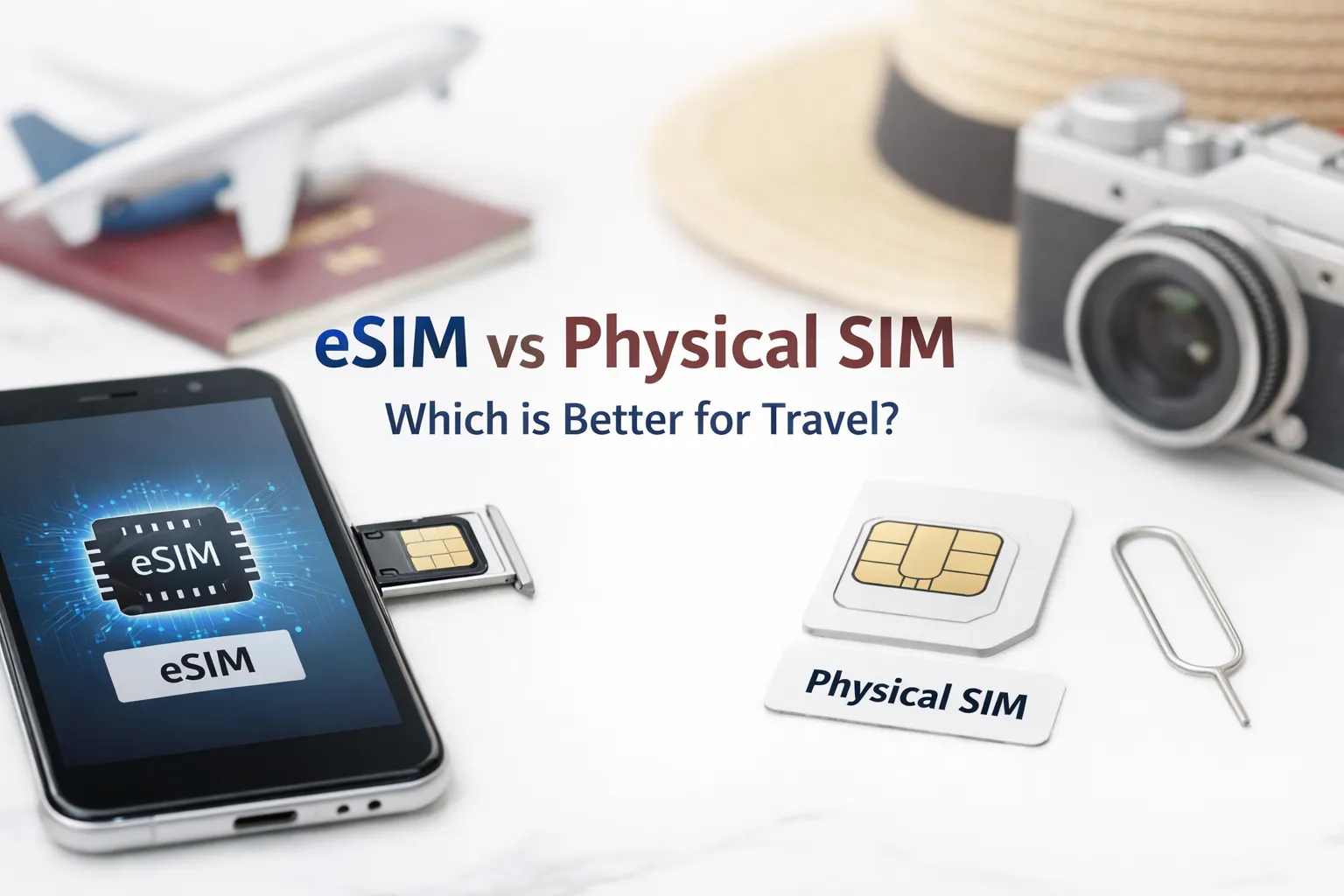

eSIM vs Physical SIM: Which is Better for International Travel in 2026?
The Real Difference Isn’t About the Card, It’s About Provisioning
At first glance, swapping a plastic SIM for a digital profile seems like a simple upgrade. The reality is messier. Both technologies ultimately do the same thing: authenticate your device to a mobile network. But the path to that connection diverges sharply once you leave your home country.
Physical SIMs rely on pre-loaded carrier credentials. You insert the card, the phone reads the ICCID and IMSI, and the device attempts registration on available networks. eSIMs work differently. The profile isn’t physically present—it’s downloaded via the LPA (Local Profile Assistant) using a QR code or carrier app. That extra step introduces flexibility but also new failure points: DNS resolution for the provisioning server, TLS handshake timeouts, or carrier-side profile allocation delays.
During testing at Dallas Fort Worth International Airport, an iPhone 15 Pro connected to a major US eSIM provider within 90 seconds. The same device, using a different regional eSIM brand, remained stuck on “Activating cellular plan” for over eight minutes before finally registering. Same phone. Same location. Different backend provisioning logic.
How Networks Actually See Your Device When You Roam
Physical SIM: The Predictable Path
When you pop in a travel SIM abroad, your phone broadcasts the home network ID stored on the card. Local carriers with roaming agreements recognize that ID and allow attachment—usually after verifying your account status with the home carrier’s HLR/HSS. This handshake is mature, well-documented, and rarely fails unless the SIM is damaged or the account is suspended.
The limitation? You’re locked to that carrier’s partner list. If their roaming agreement doesn’t include the local network with the best signal in your hotel, you’re stuck with weaker coverage. No quick switch without physically swapping cards.
eSIM: Flexibility With Hidden Complexity
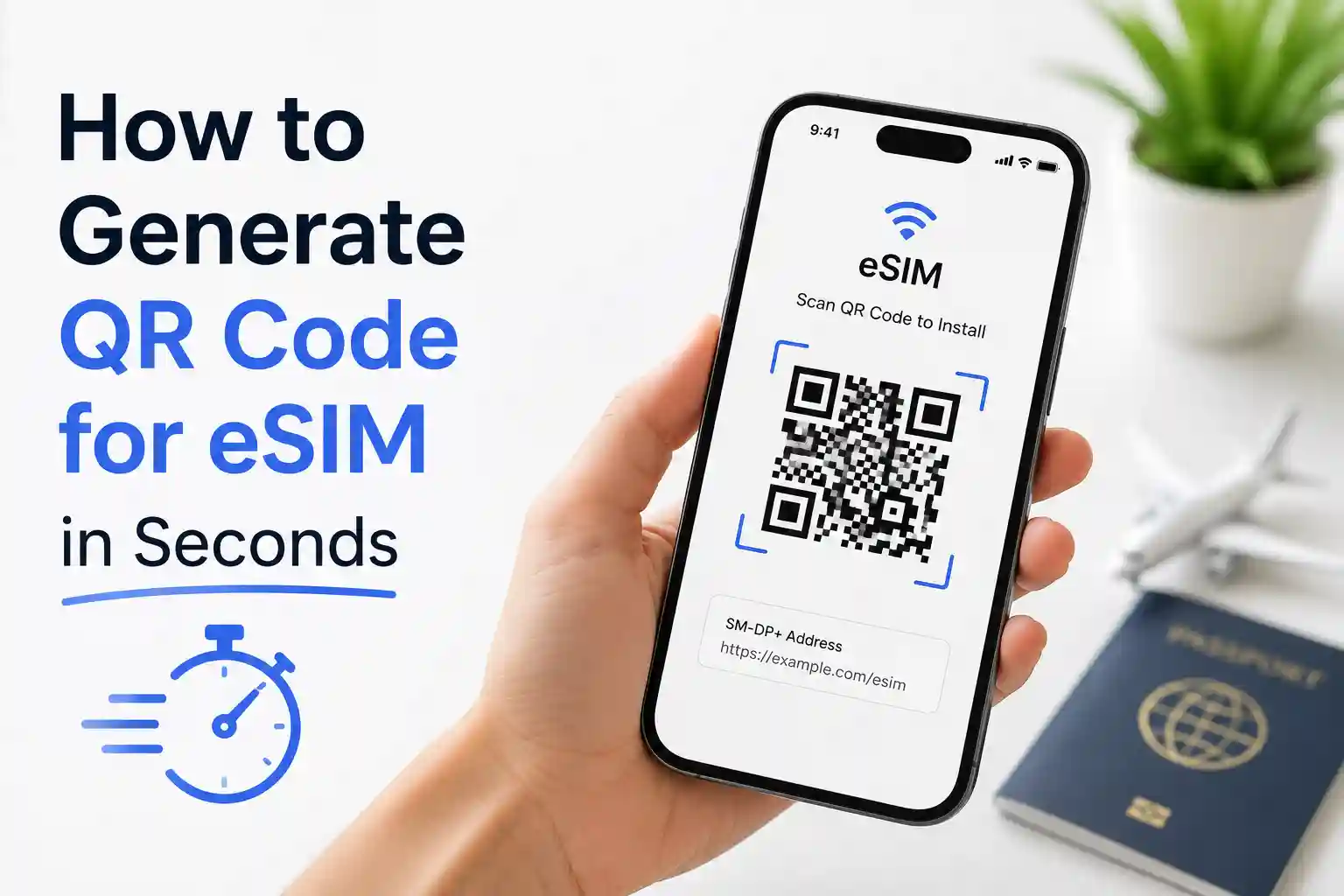
eSIM provisioning happens over-the-air. Your device contacts the carrier’s SM-DP+ server, downloads an encrypted profile, and installs it into the eUICC secure element. At the network level, this looks identical to a physical SIM once active. But the setup phase depends on:
- Stable data connectivity during download (often requiring Wi-Fi or an existing cellular plan)
- Correct APN configuration pushed with the profile—or manually entered afterward
- Carrier-side allocation of a roaming-capable IMSI range
A limitation often overlooked: not all eSIM profiles support voice/SMS. Some travel-focused eSIMs are data-only by design. If you need to receive two-factor authentication texts or make local calls, verify the profile type before purchasing.
Real-World Scenarios: Where Theory Meets Airport Wi-Fi
Travel isn’t a lab. Connectivity decisions happen while jet-lagged, navigating unfamiliar terminals, or standing in a foreign train station with 12% battery.
Scenario 1: Last-minute trip to Southeast Asia
You land in Bangkok with an unlocked iPhone. Option A: buy a physical AIS or TrueMove SIM at the airport kiosk (฿299, includes 8GB). Option B: activate a regional eSIM purchased online before departure. The physical SIM works immediately after ID registration (required by Thai law). The eSIM activates in 3 minutes—but only after you manually set the APN to “internet” because the auto-configuration payload didn’t apply. Both deliver similar speeds. The physical SIM wins on simplicity; the eSIM wins if you prefer managing plans from your couch.
Scenario 2: Multi-country Europe itinerary
Flying into London, then Paris, then Rome. A physical SIM from a pan-European provider (like Orange Holiday) works across all three, but you pay a premium for the convenience. An eSIM from a global provider lets you switch profiles per country—potentially saving money—but requires re-downloading profiles mid-trip if you exhaust data. One tester reported a 20-minute delay activating a second eSIM profile while standing outside the Louvre because the provisioning server timed out on the local 4G network. Switching to airport Wi-Fi resolved it.
Scenario 3: Remote destination with limited infrastructure
Traveling to rural Mongolia or parts of Central Africa? Physical SIMs still dominate. Local carriers may not support eSIM provisioning at all, or their digital onboarding requires a local ID number you don’t have. In these cases, the “advanced” technology becomes a liability. Always verify eSIM support for your specific destination—not just the country, but the regions you’ll visit.
Troubleshooting When Connectivity Fails Mid-Trip
Even with perfect planning, things break. Here’s how to diagnose and fix common issues—explained at the system level so you understand why each step matters.
| Symptom | Likely Cause | Fix + Why It Works |
|---|---|---|
| “No service” after eSIM activation | Device registered on a network that doesn’t recognize the roaming IMSI range | Manually select the network in Settings > Cellular > Network Selection. Forces the device to broadcast registration requests to alternative carriers until one accepts the profile’s credentials. |
| Data works, but SMS fails | Profile provisioned as data-only, or SMS center number (SMSC) not configured | Check profile details in the carrier app or settings. If SMSC is blank, manually enter the value provided by the carrier. SMS routing depends on this specific network address. |
| eSIM QR code won’t scan or install | Device LPA can’t reach the SM-DP+ server due to firewall, DNS, or certificate issues | Switch to a known-good Wi-Fi network, then retry. If that fails, use the carrier’s manual activation code (if offered). Bypasses DNS resolution issues that sometimes block QR-based provisioning. |
| Physical SIM shows “No service” in the new country | Roaming not enabled on account, or SIM locked to home network | Contact your home carrier to enable roaming. If urgent, try manual network selection. Some carriers restrict automatic roaming but allow manual attachment to partner networks. |
| APN settings missing after eSIM install | Carrier didn’t push APN configuration payload with the profile | Manually enter APN details from the carrier’s support page. The APN tells the device which gateway to use for packet data—without it, data sessions can’t be established even if registration succeeds. |
One subtle tip: if activation hangs, toggle Airplane Mode for 10 seconds. This forces the modem to clear its current registration state and re-initiate the attach procedure. It’s not magic—it resets the RRC (Radio Resource Control) session, which can resolve temporary mismatches between the device’s requested services and what the network is prepared to offer.
The Part Most Travel Guides Skip: Carrier Partnerships and Roaming Logic
Most comparisons stop at “eSIM is digital, physical SIM is plastic.” That misses the real variable: which carrier actually owns the network you’re using.
When you buy a travel eSIM from a third-party provider, you’re rarely getting direct access to a local carrier. Instead, you’re using a wholesale MVNO arrangement. The eSIM profile might route your traffic through a hub in Singapore or Frankfurt before reaching the local tower. This adds latency and can trigger geo-blocking on some services.
Physical SIMs purchased locally usually connect you directly to that carrier’s infrastructure. Lower latency. Fewer hops. Better compatibility with local apps that verify carrier origin.
At the network level, roaming agreements are bilateral and often asymmetric. Carrier A might allow Carrier B’s subscribers to roam, but not vice versa. eSIM providers sometimes struggle to maintain up-to-date maps of these agreements across 200+ countries. A profile that worked in Poland last month might fail this month if the underlying wholesale contract changed.
This becomes more noticeable during peak travel seasons when networks prioritize their direct customers over roaming partners. Your “unlimited” travel eSIM might throttle to 128kbps while local users enjoy full speed—not because of your plan, but because of the roaming tier your profile is assigned to.
Device Compatibility: What Actually Works in 2026
Not all phones handle eSIM the same way. Apple’s implementation is mature but locked to their ecosystem. Android varies wildly by manufacturer and region.
iPhone (iOS 17+)
- Supports multiple eSIM profiles, but only one can be active for cellular data at a time
- QR code scanning is reliable; manual entry via “Enter Details” is a useful fallback
- Carrier settings updates apply automatically—critical for APN and roaming config
- Caveat: If you restore from backup, eSIM profiles may require re-authentication. Keep your carrier account credentials handy.
Android (Varies by OEM)
- Google Pixel: Most consistent eSIM experience; supports profile switching without reboot
- Samsung: Requires “SIM manager” navigation; some models restrict eSIM to specific regions
- OnePlus/Oppo: eSIM support is often limited to flagship models sold in Europe/the US
- Caveat: Android’s “Download a SIM instead?” prompt only appears if the device detects no active cellular service. Have Wi-Fi ready during setup.
Before traveling, verify your exact model number against the carrier’s compatibility list. “iPhone 14” isn’t enough—some regional variants (like A2884 vs A2649) have different eSIM firmware capabilities.
FAQ: Quick Answers to Common Travel SIM Questions
Can I use both eSIM and a physical SIM while traveling?
Yes—if your device supports Dual SIM Dual Standby (DSDS). Most modern iPhones and Pixels allow one eSIM and one physical SIM to be active simultaneously. Use one for data, the other for local calls/SMS. Just ensure both profiles have roaming enabled.
What if my phone is carrier-locked?
Carrier-locked phones typically reject non-home-network SIMs, whether physical or eSIM. Contact your carrier to request an unlock before travel. In the US, carriers must unlock devices upon request if the account is in good standing and the device is paid off.
Are travel eSIMs safe for banking and 2FA?
Generally, yes—but verify the profile supports SMS. Some budget eSIMs are data-only. For two-factor authentication, you need either SMS capability or a separate method (authenticator app, email). Test SMS reception before relying on it for critical logins.
How do I switch back to my home number after travel?
On iPhone: Settings > Cellular > tap the travel plan > turn off “Turn On This Line”. On Android: Settings > Network & Internet > SIMs > disable the travel profile. Your home line reactivates automatically. No need to delete the travel profile unless you want to free up eSIM slots.
Final Recommendation: Match the Technology to Your Trip
There’s no universal winner. The right choice depends on three factors:
- Destination infrastructure: If you’re visiting countries with mature eSIM adoption (the US, UK, most of the EU, Japan, Australia), eSIM offers convenience. For emerging markets or remote areas, carry a physical backup.
- Device readiness: Verify eSIM support for your exact model and region. Don’t assume “unlocked” means “eSIM-ready.”
- Tolerance for troubleshooting: eSIM saves time when it works. But when provisioning fails mid-journey, a physical SIM from a kiosk can be faster to resolve than debugging APN settings on a tired phone.
One practical approach: use eSIM for your primary data plan, but keep a low-cost physical SIM as backup for voice/SMS. Or vice versa. Redundancy beats optimization when you’re 8,000 miles from home.
The surprising part is how differently identical phones behave across roaming agreements. Two travelers with the same iPhone model, same eSIM provider, same destination—yet one connects instantly while the other spends 20 minutes troubleshooting. The variable isn’t the device. It’s the invisible handshake between carrier systems that happens before you see a single bar of signal.
Understanding that handshake—the provisioning logic, the roaming tiers, the APN dependencies—turns a frustrating connectivity issue into a solvable configuration problem. That’s the real advantage of looking beyond the marketing.
About the Author
Caleb Vance is a telecommunications engineer and technical strategist specializing in mobile network infrastructure, SIM technologies, and next-generation wireless systems. He earned his Master of Science in Telecommunication Engineering from the University of Nebraska–Lincoln in 2021, focusing on signal processing and modern cellular protocols.
Currently working in network auditing and carrier infrastructure compliance within the United States telecom sector, Caleb focuses on translating complex connectivity systems into practical, understandable guidance for consumers and travelers.
His work centers on real-world mobile behavior, eSIM deployment systems, roaming architecture, and consumer connectivity troubleshooting.
References:
GSMA eSIM Specification RSP2.2
Apple Support: Use eSIM on iPhone
Android Help: Add a mobile plan with eSIM