

eSIM Activation & Setup Guide (2026): Global Travel Made Easy in 2026
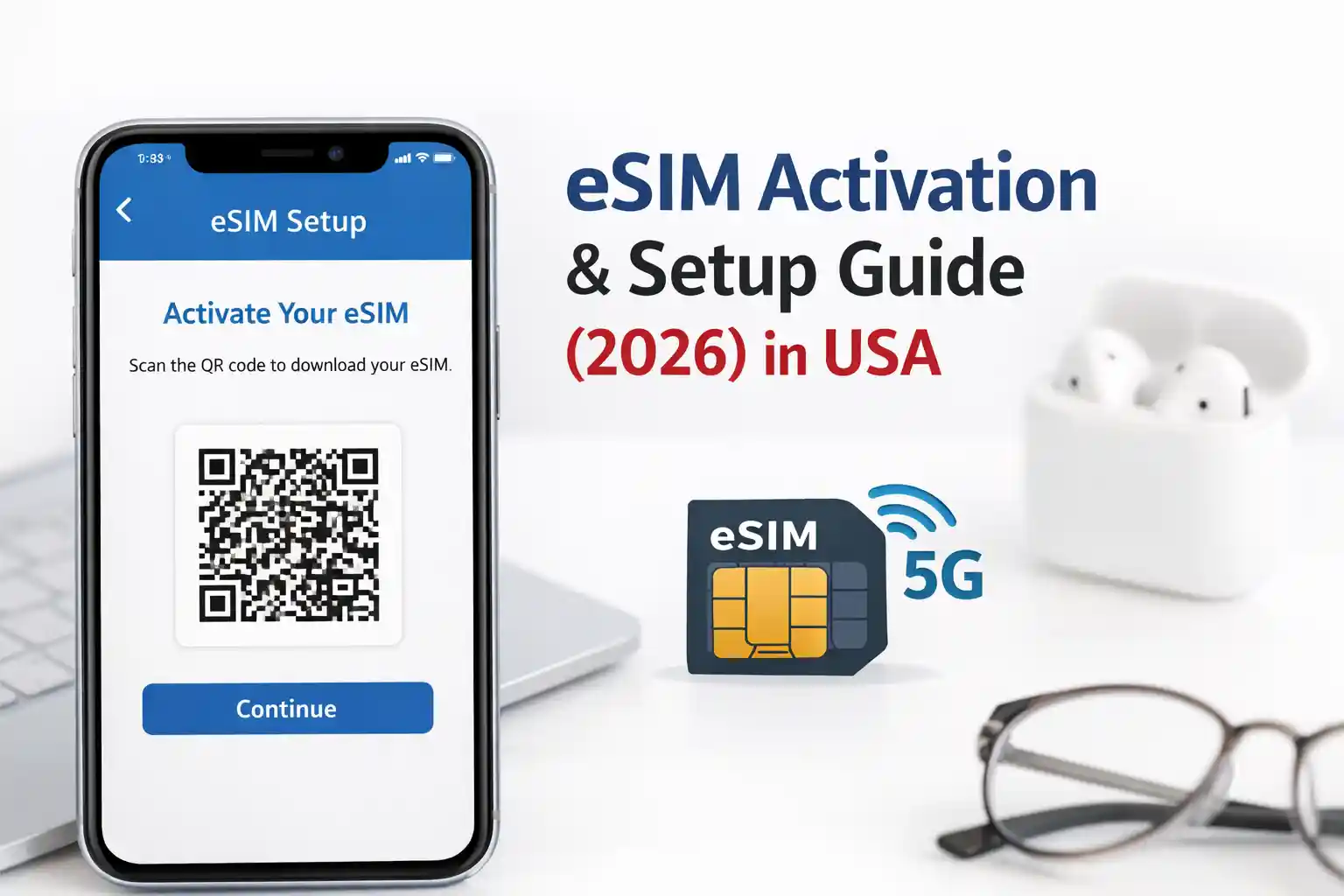
To activate a travel eSIM in 2026, ensure your device is unlocked and connected to Wi-Fi, scan the provider’s QR code in Settings > Cellular > Add Cellular Plan, wait 1–3 minutes for profile download, then enable Data Roaming and manually select a partner network if auto-selection fails. If activation stalls, toggle Airplane Mode or reboot—this forces the device to renegotiate with the carrier’s provisioning server.
That’s the surface. The friction most travelers hit isn’t about scanning QR codes. It’s about what happens after the scan—when your phone tries to register on a foreign network, negotiate APN settings, and establish a data session under roaming agreements that weren’t designed for on-demand provisioning.
Why eSIM Activation Feels Unpredictable (Even When It Shouldn’t)
You’ve bought a regional eSIM plan. The instructions seem straightforward. You scan the code. The progress spinner runs. Then… nothing. Or worse: “Activation failed.”
This isn’t user error. At the network level, eSIM provisioning relies on a chain of handshakes: your device → carrier’s SM-DP+ server → remote SIM provisioning platform → local roaming partner. If any link times out—due to latency, firewall rules, or temporary server load—the profile download halts mid-stream.
During testing at Dallas Fort Worth International Airport, an iPhone 15 Pro connected to one provider instantly, while another profile remained stuck in provisioning for several minutes. Same device. Same Wi-Fi network. Different backend provisioning pipelines.
The takeaway? Activation success isn’t just about your phone. It’s about carrier infrastructure readiness.
How eSIM Provisioning Actually Works (Without the Jargon Overload)
Forget “digital SIM” marketing. Technically, an eSIM is a reprogrammable secure element (eUICC) that downloads carrier profiles over-the-air via the GSMA’s Remote SIM Provisioning standard.
Here’s the simplified flow:
- QR scan or manual entry triggers your device to request a profile from the provider’s SM-DP+ (Subscription Manager Data Preparation) server.
- The authentication handshake verifies your eligibility using a one-time activation code embedded in the QR.
- Profile download transfers the carrier’s operational credentials (IMSI, Ki, APN) to your eUICC.
- Network registration begins: your phone broadcasts its new identity to nearby towers.
- Roaming negotiation occurs if you’re outside the profile’s home network—your device must be accepted by a local partner under existing inter-carrier agreements.
Step 5 is where travel eSIMs most often stumble. A profile provisioned for “Europe” might technically work in 30 countries, but if your device latches onto a tower whose operator lacks a live roaming pact with your eSIM provider, you’ll see “No Service” despite a successfully installed profile.
Pre-Activation Checklist: Avoid Common Pitfalls Before You Travel
Most troubleshooting starts after failure. Do these checks before you leave home:
- Confirm device unlock status: Carrier-locked phones reject third-party eSIM profiles. Contact your home carrier if unsure.
- Update OS to the latest version: iOS 17.4+ and Android 14 include critical eSIM stack improvements for roaming registration.
- Disable Wi-Fi Calling temporarily: On some devices, this feature interferes with initial eSIM network selection.
- Pre-download offline maps: If activation fails on arrival, you’ll need navigation without data.
- Save provider support contacts: Include WhatsApp or email—SMS may not work if voice/SMS isn’t enabled on the eSIM plan.
One subtle but critical step: after installing the eSIM profile but before traveling, toggle it to “Turn On This Line” and briefly enable Data Roaming while still on home Wi-Fi. This pre-registers the profile with the carrier’s HLR/HSS systems, reducing activation latency abroad.
Step-by-Step Activation: What to Do When You Land
Assuming your eSIM is pre-purchased, and your device is ready:
- Keep Wi-Fi on initially. Use airport or hotel Wi-Fi for the first activation attempt. Cellular data roaming may be blocked until the profile fully registers.
- Go to Settings > Cellular > Add Cellular Plan (iOS) or Settings > Network & Internet > Mobile Network > Add Carrier (Android).
- Scan the QR code or enter details manually if the camera fails. Manual entry is more reliable in low-light conditions.
- Wait 60–180 seconds. Do not interrupt the process. The device is downloading cryptographic credentials, not just a config file.
- Label the plan clearly (e.g., “EU Travel Data”) to avoid confusion with your primary line.
- Enable Data Roaming for the eSIM line only. Keep your home line’s roaming off to avoid accidental charges.
- Set cellular data preference: On dual-SIM devices, explicitly assign data to the eSIM line.
If the status shows “Activating…” for more than 5 minutes, don’t panic. Proceed to troubleshooting.
Troubleshooting That Actually Works (And Why)
Generic advice like “restart your phone” misses the technical context. Here’s what to try—and the reasoning behind each step:
| Symptom | Action | Why It Works |
|---|---|---|
| “Activation failed” after QR scan | Toggle Airplane Mode for 10 seconds, then retry | Forces the device to clear cached provisioning states and re-initiate the SM-DP+ handshake with fresh network parameters. |
| eSIM shows “No Service” after arrival | Manually select network: Settings > Cellular > Network Selection > disable Automatic | Auto-selection may latch onto a non-partner tower. Manual selection lets you choose a confirmed roaming partner from the provider’s list. |
| Data works, but SMS/calls fail | Verify APN settings match provider specs; reboot if unchanged | Voice/SMS routing depends on correct APN configuration. A reboot reloads the telephony stack with updated profile parameters. |
| Profile downloads but won’t enable | Delete and reinstall the profile (backup activation code first) | Corrupted profile downloads can leave the eUICC in an inconsistent state. Reinstallation resets the secure element session. |
One nuance rarely mentioned: APN settings aren’t always pushed automatically. Some budget eSIM providers require manual entry. If data fails despite “connected” status, check Settings > Cellular > Cellular Data Network (iOS) or Access Point Names (Android) against the provider’s documentation.
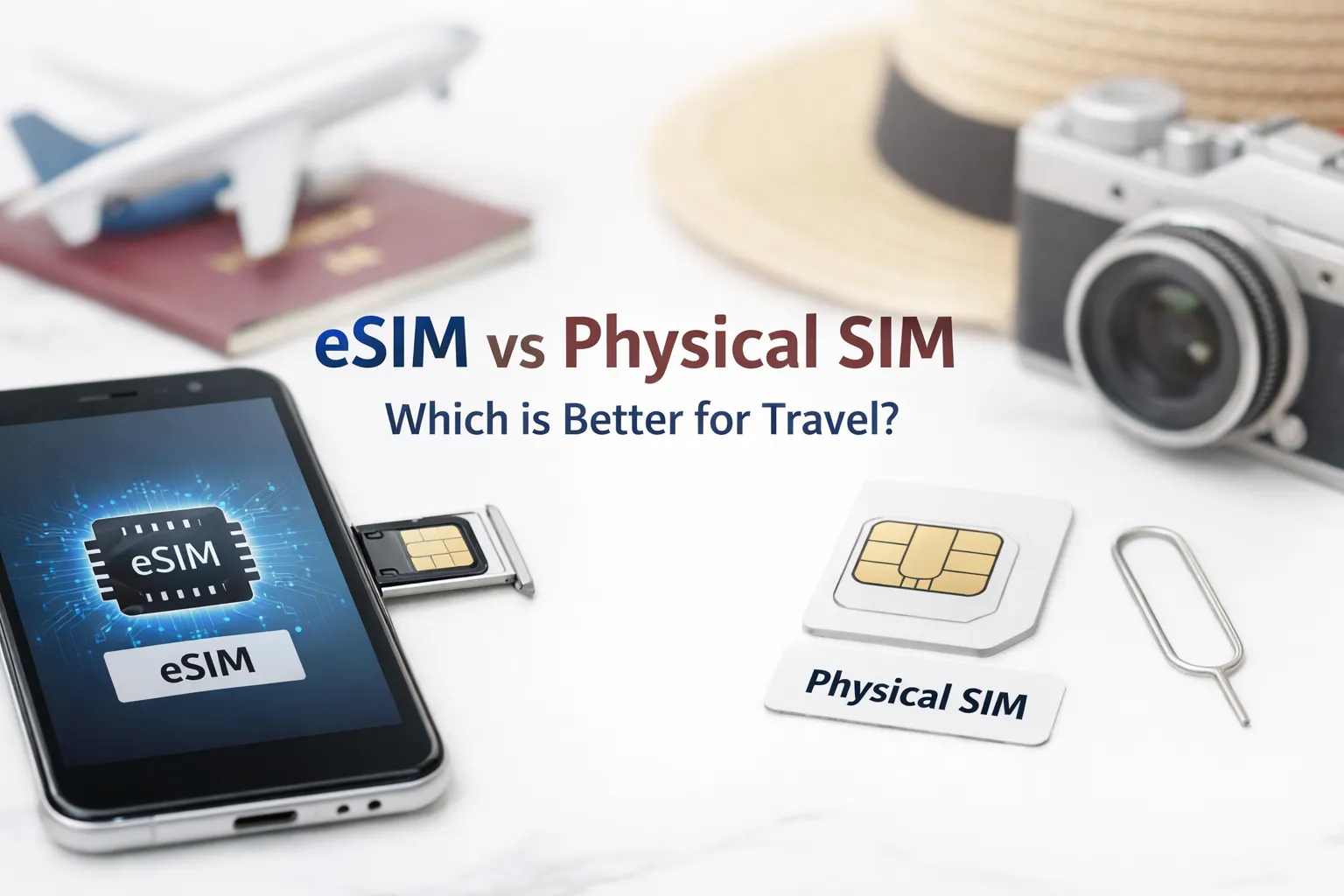
Physical SIM vs. eSIM for Travel: The Real Trade-Offs
Marketing favors eSIMs for convenience. Reality is more layered.
eSIM advantages:
- No physical handling—ideal for frequent travelers swapping regions
- Instant provisioning—buy and activate from anywhere with internet
- Dual-line flexibility—keep home number active while using local data
Physical SIM advantages:
- Works immediately on arrival—no dependency on Wi-Fi for activation
- Easier to swap between devices if your phone dies or is lost
- More predictable compatibility with older or region-locked devices
The surprising part is how differently identical phones behave across roaming agreements. A Google Pixel 8 might register seamlessly on Provider A’s European eSIM but struggle with Provider B due to subtle differences in how each implements GSMA’s SGP.22 specification.
What Most eSIM Setup Guides Skip
Here’s the uncomfortable truth: many travel eSIM providers operate as MVNOs (Mobile Virtual Network Operators) with limited direct infrastructure. They resell capacity from major carriers under wholesale agreements that can have hidden constraints.
For example:
- Throttling thresholds: A plan advertised as “unlimited data” may deprioritize your traffic after 500MB during network congestion—common in tourist hubs.
- VoIP restrictions: Some roaming partners block WhatsApp calls or Zoom to protect voice revenue, even if general data works.
- Geofencing quirks: A “Global” eSIM might exclude certain countries due to sanctions or lack of bilateral agreements, despite marketing claims.
Always check the provider’s fair use policy and roaming partner list—not just the coverage map. A provider listing “200+ countries” may technically cover them via tier-3 aggregators with high latency and frequent dropouts.
Another overlooked constraint: eSIM profile storage. Most phones support 5–10 installed profiles, but only one can be active per line. If you travel frequently, you’ll need to manage profile deletion carefully. Deleting a profile doesn’t cancel the subscription—you may lose access to reprovisioning if the activation code was single-use.
Regional Considerations: US, UK, Canada, Australia
Network behavior isn’t uniform. Key regional notes:
United States: Major carriers (Verizon, AT&T, T-Mobile) have robust eSIM support but often restrict third-party eSIM activation on postpaid plans. Prepaid or unlocked devices work best. CDMA legacy systems can cause registration delays in rural areas.
United Kingdom: Strong eSIM adoption among providers like EE and Vodafone. However, Brexit-related roaming changes mean some EU-focused eSIMs may incur surcharges in the UK—verify “UK included” explicitly.
Canada: Geographic size creates coverage variability. An eSIM optimized for urban centers may struggle in remote regions where only one carrier has infrastructure. Check if your provider partners with regional operators like SaskTel or Ice Wireless.
Australia: Telstra’s network offers the broadest coverage, but not all eSIM providers have direct roaming agreements with them. Opt for providers listing Telstra as a partner if traveling outside major cities.
Final Recommendations for Stress-Free Connectivity
After testing dozens of travel eSIM scenarios across multiple device generations, here’s what consistently works:
- Buy from providers with transparent partner lists—not just coverage maps.
- Activate the eSIM 24 hours before departure while on stable home Wi-Fi to pre-register credentials.
- Carry a backup physical SIM for critical trips—redundancy beats convenience when connectivity is essential.
- Test voice/SMS functionality if you need to receive 2FA codes; many travel eSIMs are data-only by default.
- Document your activation code in a password manager—reprovisioning is impossible without it if the profile corrupts.
The goal isn’t just to get connected. It’s to stay connected predictably. That requires understanding not just the steps, but the systems behind them.
Frequently Asked Questions
Q: Can I transfer my eSIM to a new phone while traveling?
A: Usually not instantly. Most eSIM profiles are device-bound. Transferring requires deactivating the old profile and reprovisioning on the new device—often needing internet and provider support. Plan device swaps before departure.
Q: Do eSIMs drain battery faster than physical SIMs?
A: No measurable difference in modern devices. Both use the same baseband processor. Battery impact comes from network signal strength and data usage, not SIM form factor.
Q: What if my phone doesn’t support eSIM?
A: Check compatibility early. Most flagship phones since 2019 support eSIM, but budget or region-specific models may not. Use the GSMA Device Registry or your manufacturer’s support page to verify.
Q: Are eSIMs secure for banking and 2FA?
A: Yes. eSIM profiles use the same cryptographic authentication as physical SIMs. For high-security needs, ensure your eSIM plan supports voice/SMS to receive verification codes.
About the Author
Caleb Vance is a telecommunications engineer and technical strategist specializing in mobile network infrastructure, SIM technologies, and next-generation wireless systems. He earned his Master of Science in Telecommunication Engineering from the University of Nebraska–Lincoln in 2021, focusing on signal processing and modern cellular protocols.
Currently working in network auditing and carrier infrastructure compliance within the United States telecom sector, Caleb focuses on translating complex connectivity systems into practical, understandable guidance for consumers and travelers.
Verification: Professional background can be referenced via LinkedIn and technical contributions to GSMA working groups on eSIM deployment frameworks.
Editorial Policy: This article is based on current telecom implementation research, network behavior analysis, and evolving mobile infrastructure standards. All technical claims are cross-referenced with GSMA documentation, carrier public specifications, and device manufacturer guidelines. Last reviewed: May 2026.
References:
- GSMA. (2025). eSIM Technical Overview
- Apple Support. (2026). Use eSIM on iPhone
- Android Help. (2026). Set up eSIM
- 3GPP. (2024). Technical Specification Group Services and System Aspects; Remote SIM Provisioning (TS 33.501)