Short answer
So how does a SIM card work? Your SIM is a tiny key. When your phone switches on, the card shows the network an identity number, then answers a random challenge with a secret code that never leaves the chip. If the answer matches the one the network worked out on its own side, your phone gets in, and a fresh encryption key switches on for the call or data session that follows. That is the whole idea in one paragraph. The rest of this post walks through the handshake step by step, then through the six things the key opens for you.
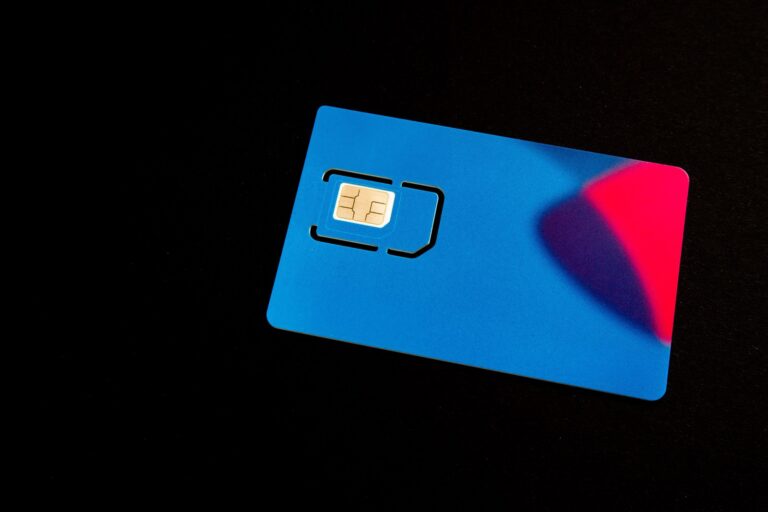
Most people only meet their SIM when something goes wrong: a new phone, a new carrier, a landing abroad with no signal. The card itself looks plain, a small piece of plastic with gold contacts, and it gives no hint of the work it does every time your phone finds a tower. This post explains that work without jargon. Every technical word gets a one-sentence definition the first time it appears, and the post links to our other guides where a topic needs a full guide of its own.
If you want the beginner version first, our guide to what a SIM card is covers the card itself, what lives on the chip, and what lives on the phone or in the cloud instead. This post picks up where that one stops: the handshake, the secret key, and the six things the key opens.
Two things on the chip, and one of them never leaves
Your SIM holds two things that matter, and keeping them apart makes the handshake easy to follow. The first is the IMSI, short for International Mobile Subscriber Identity. It is a number of up to 15 digits, and it names your subscription to the network. The first three digits name the country, the next two or three name the network, and the rest name your account with that network. Think of it as the name on the key: it says whose key this is.

The second is the Ki, the authentication key. Ki is a 128-bit secret value, which means it is a long string of bits that only two places hold: your SIM and your carrier’s authentication centre, the secure database that checks subscribers. The SIM keeps its copy locked inside the chip. No phone menu shows it, no app reads it, and the network never asks for it. That single rule, that the key never leaves the chip, is what the whole system rests on.
Two more numbers look like they belong in the same list, and they cause most of the confusion about SIM cards. The ICCID is the serial number of the card itself, up to 20 digits, printed on the card or shown in your phone settings. The carrier uses it to track the card and to activate a replacement. Your phone number is a separate record again: the carrier keeps it in its own systems and links it to your IMSI, so the number follows the SIM from phone to phone. The table below lines the four numbers up side by side, with the one number you can never see at the bottom.
| Number | What it names | Where you can see it |
|---|---|---|
| ICCID | The physical card | Printed on the card, or in phone settings |
| IMSI | Your subscription | Hidden from menus on most phones; the carrier sees it |
| Phone number | The number people dial | Your settings, your bill, your contacts |
| Ki | The secret key | Nowhere. It stays inside the chip, and the carrier holds the only other copy |
How does a SIM card work, step by step
The handshake runs every time your phone switches on, leaves airplane mode, or moves to a new tower. It takes a second or less, and it follows the same five moves the GSM standard set out, with newer networks adding one extra check of their own. Here it is in plain words.
- Your phone reads the IMSI from the SIM and sends it to the nearest tower, asking to join the network. If you set a SIM PIN, the phone asks you for that code first, before the SIM shares anything.
- The network finds your IMSI in its records and pulls up the matching Ki from the authentication centre. The network now holds the same secret as your card, but it still has no proof that the card in your phone is the real one.
- The network makes up a random number, called RAND, and works out the answer the real SIM should give. It signs RAND with the Ki and splits the result into two parts: a 32-bit signed response and a 64-bit encryption key.
- The network sends RAND to your phone, and the phone passes it into the SIM. The SIM signs the same RAND with its own copy of the Ki and hands back its own 32-bit response and its own 64-bit key. The Ki itself stays inside the chip at every step.
- The network compares the two responses. If they match, the SIM is the real one, and the phone joins the network. The 64-bit key then scrambles the calls and data that follow, so a radio scanner hears noise instead of your conversation.
- Since 3G networks arrived, the exchange runs both ways. The SIM also checks a token from the network before it trusts the tower, which blocks a simple fake base station from collecting phones. The two sides use the MILENAGE or TUAK algorithms on modern networks, and they derive fresh session keys for encryption and for checking that messages arrive unchanged.
One more detail keeps the IMSI itself out of the air most of the time. After the first successful check, the network hands the phone a temporary identity and uses that for the routine signalling that follows. The IMSI only travels again when the network needs it, which is one reason a copied IMSI on its own gets an attacker nowhere: without the Ki, the challenge has no correct answer.
Six things your SIM opens for you
Once the handshake passes, the key opens six doors, and each one is a separate service. The table gives the short version. The paragraphs after it fill in the two doors people ask about most.
| Door | What opens | What it means for you |
|---|---|---|
| 1. Calls | Your voice calls connect | The network routes calls to your number and bills your account |
| 2. Texts | SMS works | Texts travel on the signalling path the handshake set up |
| 3. Mobile data | The internet works away from Wi-Fi | Your data session runs under the encryption key from the handshake |
| 4. Roaming | Service abroad | A partner network asks your home network to run the same check |
| 5. Encryption | Private calls and data | The session key scrambles traffic between your phone and the tower |
| 6. A new phone | Your number moves with the card | Move the SIM, and the line follows it, because the identity lives on the card |
Roaming deserves a closer look, because it feels like magic and it runs on the same handshake. When you land abroad, a partner network picks up your phone and asks your home network to check the SIM. Your home network runs the challenge, the SIM answers, and the partner network lets you in. Nothing about the check changes except where it happens, which is why a travel SIM or travel eSIM works the same way: the credentials change, the handshake stays the same.
Moving your number deserves a closer look too. Your phone number is a record in the carrier’s systems, linked to your IMSI, and it stays linked when the SIM moves. That is why the same card in a new phone rings with the same number, and why a stolen phone loses its line the moment you move the SIM or the carrier bars the old card. The phone is only the handset. The line lives on the card.
Why nobody can copy this key
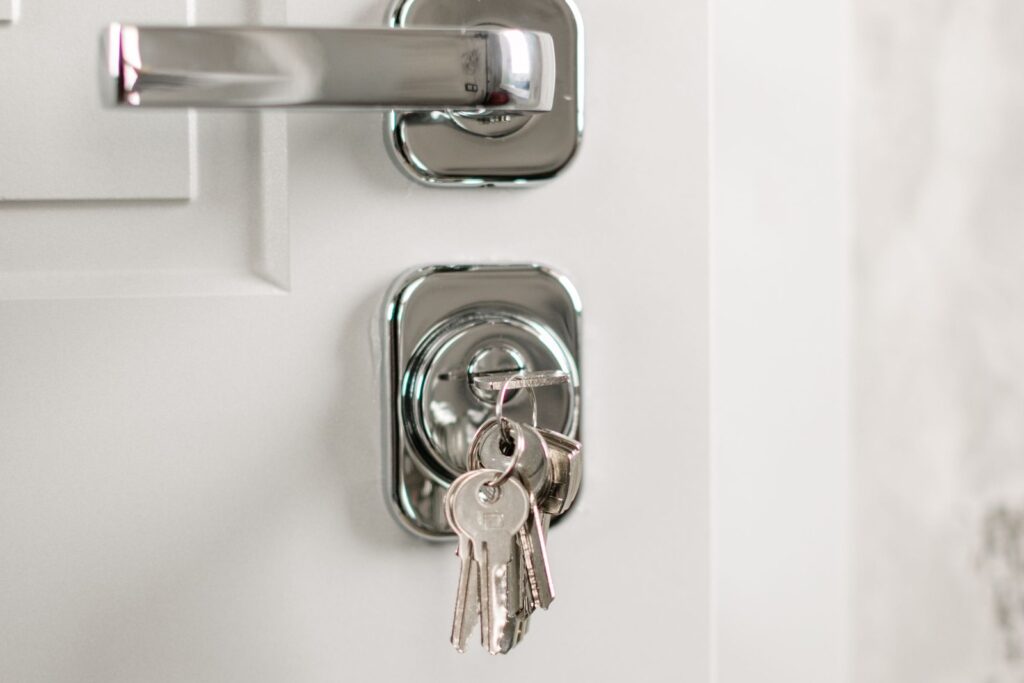
A house key can be copied at any hardware shop. A SIM key cannot, and the reason is the rule from the first section: the Ki never leaves the chip. Copying the numbers printed on the card gets an attacker the ICCID and, with the right tools, the IMSI. It never gets them the Ki, and the handshake asks for proof that only the Ki can give. A copied IMSI answers the challenge wrong, and the network turns it away.
SIM swap fraud takes a different road. The attacker talks the carrier into moving the victim’s number to a new SIM the attacker holds. The fraud happens at the carrier’s desk, through social engineering, and the fix sits at the same place: a PIN or lock on the carrier account, so a stranger cannot move the number with a phone call. The FBI’s Internet Crime Complaint Center recorded 982 SIM-swap complaints in 2024, with reported losses of about 26 million US dollars, according to Sim-Finder’s summary of the report.
Two habits close most of the gap. First, set a PIN on your carrier account and switch on any SIM protection or number lock the carrier offers, so the number cannot move without your say-so. Second, use an authenticator app instead of text messages for the two-factor codes on your bank and email accounts, so a swapped number hands an attacker nothing useful. A SIM PIN adds a third layer: with it set, the card asks for its code after every restart, and three wrong guesses lock the card until the PUK rescues it.
Three things the key cannot open
The key is strong, and it still has limits. A carrier-locked phone refuses a SIM from another carrier, because the lock lives in the phone, not in the card. The UK stopped carriers from selling locked handsets in December 2021, under an Ofcom ruling, and other countries handle it differently, so check the lock status before you buy a travel SIM. If the phone is locked, the key fits and the door stays shut.

No signal is the second limit. The handshake needs a tower in reach, and a key cannot conjure coverage where no tower stands. If your phone shows no service in a place that should have coverage, the fix is usually a setting or a network choice, and our travel guides walk through the checks in order.
Your photos are the third. A SIM holds an identity and a secret key, with room for a small set of carrier details. Your photos live in the phone or in the cloud, and they stay there when the SIM moves. A later post in this series looks at what a SIM can hold and what it never will, and the short version is simple: your pictures are safe from a SIM swap, because the SIM never held them.
Watch the handshake happen on your own phone
You can watch the handshake run in about a minute. Switch airplane mode on, wait five seconds, and switch it off. Your phone drops the tower, then repeats the whole check from the start: IMSI, challenge, answer, encryption key. The signal bars come back when the network accepts the answer. If they take a while to return, the phone is still working through the same steps, not failing at them.
While you wait, you can also find the numbers the handshake uses. On an iPhone, open Settings, then General, then About, and look for the ICCID line. On Android, open Settings, then About phone, and look for the SIM status or the ICCID entry. The path varies by brand, and some Android phones hide the number under a SIM submenu. Either way, you will see the card’s serial number and your phone number. You will not see the IMSI or the Ki, because the phone keeps both out of the menus.
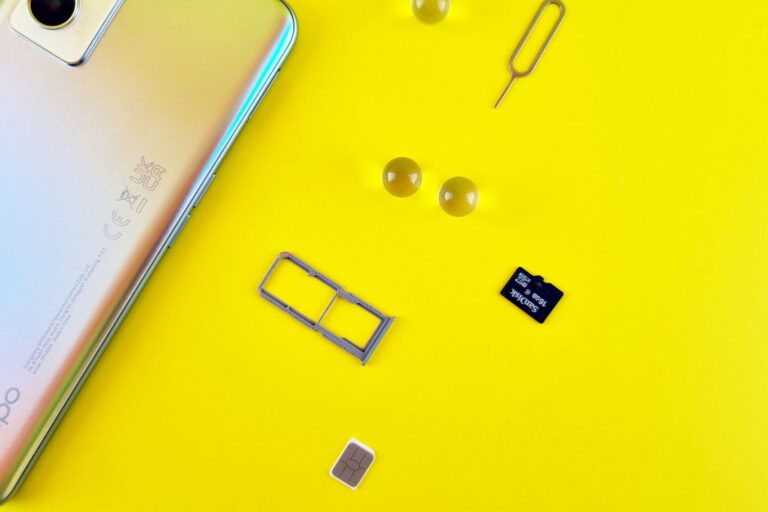
If the bars never come back, the usual causes sit outside the handshake: airplane mode still on, the wrong network chosen, or a SIM that has worked loose in the tray. Our guide to the size your phone takes and our nano against micro SIM comparison help when the tray or the size is the problem, and our guide to installing an eSIM on any phone covers the same check for a downloaded profile.
Questions people ask
How does a SIM card work?
It shows the network an identity number, then answers a random challenge with a secret key that never leaves the chip. The network checks the answer against its own copy of the key, and if the two match, your phone joins the network with a fresh encryption key.
Does the secret key ever travel over the air?
The key stays put. The network sends a random challenge, the SIM works out the answer inside the chip, and only the answer travels. A captured answer is useless for the next login, because the next challenge is different.
Can I copy my SIM like a house key?
The numbers on the card can be read, but the secret key cannot be read out of the chip, so a copy fails the challenge. If you need the same line in a new phone, move the card or ask your carrier for a replacement tied to the same number.
Why does my phone repeat the check when I move between towers?
Each tower needs fresh proof that the SIM is genuine, so the phone answers a new challenge as it moves. The check runs in the background, and you only notice it when it fails and the bars drop.
Does an eSIM use the same handshake?
The credentials are the same: an identity and a secret key, downloaded as a profile instead of pressed into plastic. Our guide to installing an eSIM on any phone walks through the setup, and our SIM against eSIM against iSIM comparison lines up the three formats.
Sources and check date
The six-door table, the plain-words handshake, and the watch-it-yourself check are this post’s own synthesis of the sources below. No page 1 result lines the six things a SIM opens up side by side, and none of them turns the handshake into a test you can run on your own phone. The handshake steps follow Wikipedia’s account of the GSM process, with the 128-bit Ki, the 32-bit signed response, and the 64-bit encryption key from the same page. The mutual authentication detail and the temporary identity come from Webiano, the tower-hop timing and roaming path come from LegalClarity, and the phone number record and the FBI figures come from Sim-Finder.
- Wikipedia: SIM card
- Webiano: SIM card
- LegalClarity: What is a SIM card and how does it work
- Sim-Finder: What is a SIM card
- Our guide to what a SIM card is
- Our guide to what a SIM card does in your phone
- Our guide to installing an eSIM on any phone
- Our SIM against eSIM against iSIM comparison
- Our guide to moving contacts off a SIM
- Our guide to the size your phone takes
- Our nano against micro SIM comparison
Checked 23 November 2026