Short answer
A SIM card is a small chip that tells your mobile network which account your phone belongs to. It holds the details your carrier uses to recognise your line, so the network knows who you are, which number is yours, and which plan to bill. That is the short answer to what is a SIM card, and the rest of this post fills in the detail, with every technical word defined the first time it appears.
If you have never thought about the little card inside your phone, you are in good company. Most people only meet it when they buy a new phone, change carrier, or travel abroad and something stops working. This post answers the question “what is a SIM card” for a complete beginner: what it is, what it does, what it stores, what it does not store, and what to check on your own phone. Every technical word is defined the first time it appears, and the post points to our other posts where a topic needs a full guide of its own.
What is a SIM card, in plain English
SIM stands for Subscriber Identity Module. A subscriber is a person who pays for a mobile plan. A module is a small part that does one job inside a larger machine. So a SIM is the small part that says “this phone belongs to a paying customer of this carrier.”
The word carrier means the company that runs the mobile network and bills you for it. Your carrier might be a big national network or a smaller brand that rents space on one. Either way, the SIM is the link between your phone and that company.
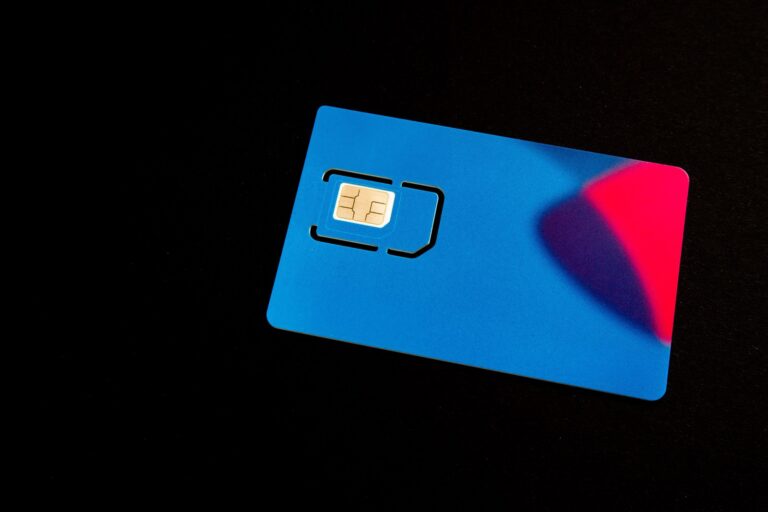
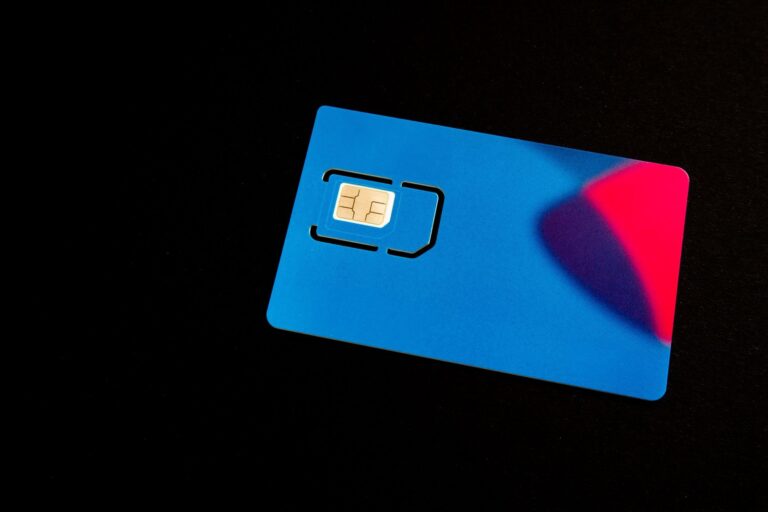
A SIM card is the plastic card with gold contacts that holds the chip. People use SIM and SIM card to mean the same thing in everyday speech. Android Authority draws a small distinction: SIM is the technology, and SIM card is the plastic card that carries it. For this post, the two words mean the same thing unless the sentence says otherwise.
The chip on the card is tiny. On a nano-SIM, the size most phones take today, the whole card measures about 12.3 mm by 8.8 mm, according to ecoATM. The gold contacts are the part that touches the phone. They carry the information between the chip and the phone.
The plastic around them is only a holder, shaped so the card fits one way in the tray.
Your phone reads the SIM when it switches on. It sends the identity details on the chip to the carrier network. The carrier checks that the SIM belongs to an active account, then connects your phone number to that phone. That check is what lets you place calls, send texts, and use mobile data.
Without it, the network has no way to know who you are or who to bill, so it lets nothing through except emergency calls.
The card does three separate jobs, and keeping them apart makes everything else in this post easier to follow.
- It proves who you are. The chip holds a secret code that only your carrier can match. The network asks the chip to prove itself, and the chip answers without ever showing the code to anyone.
- It links your number to your phone. Your phone number is an address people use to reach you. The SIM ties that address to the phone in your hand, so calls and texts find you.
- It tells the phone which network to use. The chip holds the name of your carrier and a short list of partner networks, so the phone knows which towers it may join and which ones it must leave alone.
Nothing else on the card matters for everyday use. It holds no apps, no operating system, and no web browser. It is a key, not a computer.
The words you will meet, translated
Every guide about SIM cards uses the same handful of technical words. Here they are, each in one plain sentence, in the order you are most likely to meet them.
| Word | Plain meaning |
|---|---|
| Carrier | The company that runs your mobile network and sends your bill. |
| Network | The towers, cables, and systems your carrier runs so phones can call each other. |
| Subscriber | A customer with a mobile plan. That is you, if you pay for one. |
| IMSI | A 14 or 15 digit number on the SIM that identifies your subscription to the network. Think of it as your account number with the carrier. |
| ICCID | The long number that identifies the physical card itself, usually 19 or 20 digits. Think of it as the card serial number. |
| Authentication key | A secret code stored on the SIM and on the carrier system. The network uses it to check the SIM is genuine, and the code itself never leaves the chip. |
| PIN | A four digit code that locks the SIM. The phone asks for it when it switches on, if the lock is turned on. |
| PUK | An eight digit code from your carrier that unlocks a SIM after the wrong PIN was typed too many times. |
| eSIM | The same SIM job done by a chip built into the phone, set up in software instead of on a removable card. |
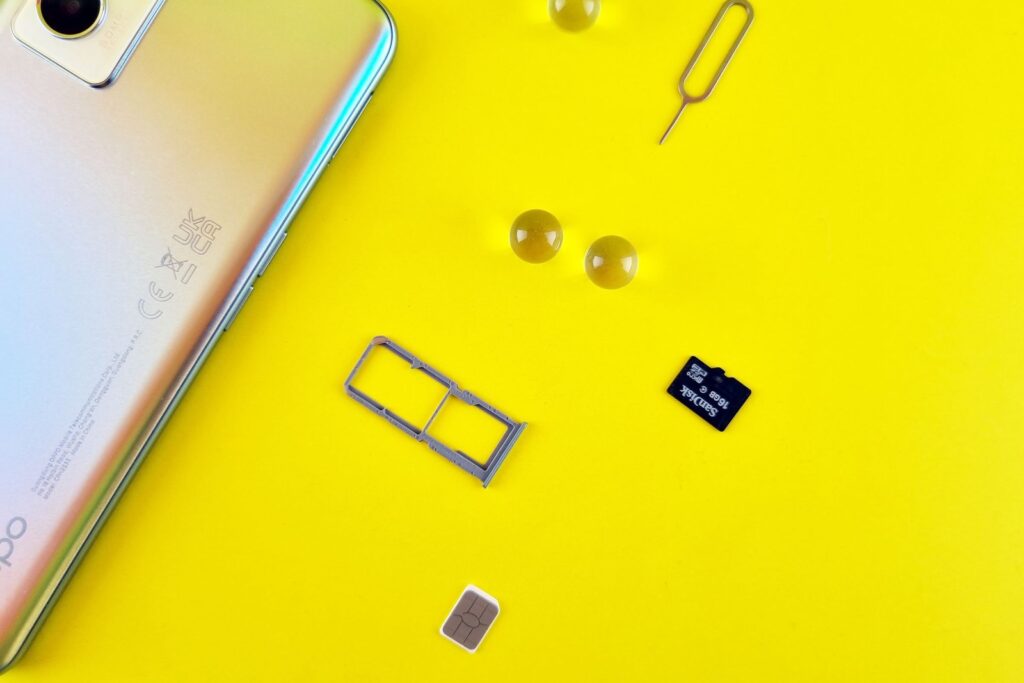
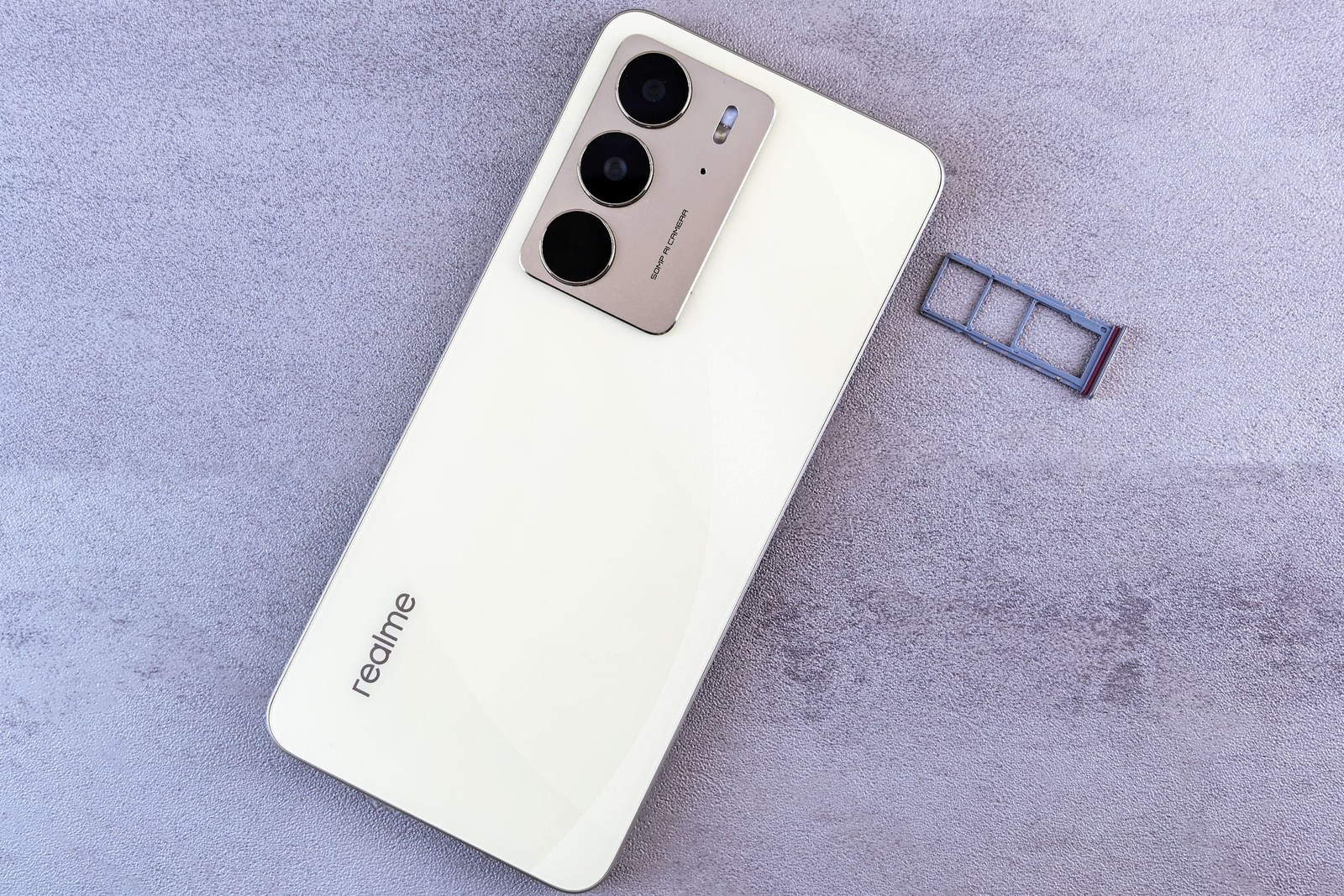
| SIM tray | The small drawer on the side of the phone that holds the card. |
Two of those numbers cause most of the confusion, so they get a section of their own below.
Four numbers that look alike, and which one anyone means
This decoder table is this post’s own synthesis. No page 1 result lays the four numbers side by side in plain English, and that gap is where most beginners get stuck. Each row says what the number identifies, where to find it, and who asks for it.
| Number | What it identifies | Where to find it | Who asks for it |
|---|---|---|---|
| Phone number | You, as a person other people can call or text | Settings, then Phone, then My Number on an iPhone; your carrier account page on any phone | Friends, shops, and any form that needs to reach you |
| ICCID | The SIM card or eSIM profile | Settings, then General, then About, next to ICCID on an iPhone; printed on the card itself | Your carrier, when it activates a line or replaces a card |
| IMSI | Your subscription on the carrier network | Stored on the SIM chip; you never need to read it yourself | Nobody asks you for this directly; the network reads it from the chip |
| IMEI | The phone itself | Settings, then General, then About, next to IMEI on an iPhone; printed on the phone box | Carriers and insurers, for trade-ins, blacklists, and warranty checks |
The mix-up to avoid is the ICCID and the phone number. They are different numbers that do different jobs. The phone number is public, in the sense that you give it to people so they can call you. The ICCID is account information.
iTechGuides advises against sharing it in public, and to treat it the way you would treat any account number. If a form asks for your “SIM number”, it almost always means the ICCID.
The IMSI is the one number you will never be asked to type in. It lives on the chip, and the phone reads it each time it switches on. Android Authority and Wikipedia agree on its shape: 14 or 15 digits, starting with a country code and a network code, then the digits that pick out your subscription.
The IMEI belongs to the phone, not to the SIM. Swap the SIM into another phone and the IMEI changes, because the IMEI follows the handset. Swap the phone and keep the SIM, and the ICCID stays the same, because it follows the card. That split is the fastest way to remember which is which.
What is stored on a SIM card, and what is not
The question behind most SIM card worries is a simple one: if I lose the card, what have I lost? The table below answers it. The stored side comes from Wikipedia, which lists the network data a SIM holds. The not stored side comes from ecoATM, which states plainly that photos, apps, and most texts live on the phone or in the cloud.
| Stored on the SIM | Not stored on the SIM |
|---|---|
| Your IMSI, the subscription number | Photos and videos |
| Your authentication key, the secret code | Apps and app data |
| Your ICCID, the card number | Most text messages and chat history |
| The name of your carrier and its settings | Most contacts on a modern phone |
| The number of your carrier message centre | Music, files, and passwords |
| A short list of contacts, on older phones only | Anything in your cloud backup |
A SIM can hold a maximum of 250 contacts, according to Wikipedia. That sounds like a lot until you compare it with a modern phone, which can hold thousands. Older phones saved contacts to the SIM because they had nowhere else to put them. Modern phones sync contacts to a Google or Apple account instead, so the SIM list sits empty on most phones sold today.
If you move a very old SIM into a new phone, a few contacts may come with it. That is the exception, not the rule, and our guide to moving contacts off a SIM covers the transfer step by step.
Photos deserve a line of their own, because the myth is so common. A SIM card has no room for photos, and it was never designed to hold them. Your photos live in the phone storage or in a cloud backup. Taking the SIM out leaves every photo exactly where it was.
The full answer to what happens to photos on a SIM, including the old phone cases where a handful of pictures did sit on a card, belongs to a later post in this series, and this post does not rebuild it here.
The same applies to texts. A SIM can hold a small number of short messages, and some older phones used that space. Modern phones keep messages on the device or in the cloud, and the SIM holds none of them.
If you change phones and your old texts do not follow, the SIM is not the reason. The messages live with the phone or the backup, not with the card.
So what have you lost if you lose the card? You have lost the link between your number and a phone. You have not lost your photos, your apps, your contacts, or your messages. Those stay on the phone or in the cloud.
What you need is a replacement card from your carrier, which usually keeps your same number. ecoATM gives the same advice: contact the carrier at once so it can suspend the old SIM and issue a replacement, and act fast so nobody else can use your line.
A SIM card and an eSIM do the same job
An eSIM is a SIM that lives on a chip built into the phone. Your carrier sends the SIM details to the phone over the internet, and the phone stores them on that built-in chip. There is no plastic card to insert, eject, or lose. Android Authority puts it in one line: the eSIM gives the same functions as a physical SIM, and the difference is only in how the details reach the phone.
That sameness matters more than the difference. An eSIM holds the same kind of identity details, proves the same subscription, and links the same phone number. The shape changed. The job did not.
Two practical differences are worth knowing. A physical SIM moves between phones in under a minute: take the card out, put it in the other phone, and the number moves with it, as long as the other phone takes the same size and works with your carrier. An eSIM moves through settings or through your carrier, which can take longer and needs a working connection to download the new profile. On the other hand, a phone with eSIM can hold several profiles at once and switch between them without touching a tray, which is handy for travel.
Some phones have no tray at all. Apple states that iPhone 14 models and later bought in the United States can only be activated with an eSIM, and the same applies to iPhone 17 models bought in the United States. Many versions sold outside the United States still have a nano-SIM tray, so the rule depends on where the phone was bought. If your phone has no tray on its side, your line lives on an eSIM, and you manage it in Settings instead of with a pin tool.
If you are setting up an eSIM for the first time, the order of the steps matters more than any single setting. Our guide to installing an eSIM on any phone walks through that order, and our SIM against eSIM against iSIM comparison sets out the three shapes side by side.
What happens with no SIM in the phone
Take the SIM out and the phone still works, but only as a small computer. It connects to Wi-Fi, opens apps, plays music, and takes photos. It cannot make ordinary calls, send text messages, or use mobile data, because it has no link to a carrier network. Android Authority describes the result as a Wi-Fi only device, and that is exactly what it feels like.
One exception stays open. A phone with no SIM can still make emergency calls, according to both Android Authority and Tom’s Guide. The network accepts the call without checking for a subscription, because the call is to an emergency number. That rule holds even if the SIM in the phone has never been activated.
The same logic covers a phone with a SIM that has been switched off by the carrier. Tom’s Guide notes that a carrier can turn off service for a line that has not been paid for, and the phone then shows no service even with the card sitting in the tray. The card is present, the account is not active, and the network refuses the connection.
A new SIM from the same carrier, or a payment that reactivates the line, is the fix. No setting on the phone changes it.
Check your own SIM in 60 seconds
Reading about a SIM card is one thing. Finding your own takes about a minute, and it answers three questions people ask support agents every day: what is my number, what is my SIM number, and what size is my SIM.
Start with your number. On an iPhone, open Settings, then Apps, then Phone, and read the value under My Number. That is the number people use to call or text you. If the field is blank, the carrier may not have set the number on the line yet, and a call to the carrier sorts it out.
On Android, the path varies by brand, and the number usually sits in Settings under About phone, or in the phone app under your own contact card.
Next, find the SIM number. On an iPhone, open Settings, then General, then About, and scroll to ICCID. That long number is the one a carrier means when it asks for the SIM number. Touch and hold it to copy it into a form or a support chat.
The same screen lists the IMEI next to it, so check the label before you copy. An eSIM has no card to read, but its ICCID still appears on this screen.
Then check the size. Most phones sold today take a nano-SIM, the smallest of the three plastic sizes. If you are buying a new SIM, check first rather than guessing. Our guide to the size your phone takes shows the check in seconds, and our guide to the three SIM sizes explains why a phone takes only one of them.
If the card you hold is the wrong size, do not cut it. Our guide to the 10 second check before you buy explains how to spot the mismatch, and our guide to cutting a SIM smaller explains the damage a bad cut can do to the gold contacts.
When you need a new SIM
Most SIM cards live quietly in the tray for years and never need attention. Four situations call for a new one, and each has a simple answer.
A new phone that takes a different size needs a matching card. Carriers issue the right size on request, often for free, and our nano against micro comparison shows how little separates the two sizes apart from the plastic around the chip. Asking the carrier beats cutting the old card, because a cut that nicks the gold contacts can kill the card outright.
A damaged card needs replacing. Gold contacts wear down if a card is pulled in and out often, and a bent card can crack the lines under the contacts. Android Authority lists scraped contacts, corrosion, and bending as the usual ways a card fails. If the phone shows no SIM after a reseat, and a second phone shows the same, the card is the fault and a replacement from the carrier is the fix.
A switch of carrier needs that carrier’s card. A SIM belongs to the carrier that issued it. Moving to a new carrier means a new SIM or a new eSIM profile from that carrier, even if the phone stays the same. A locked phone complicates this: a phone tied to one carrier refuses another carrier’s SIM until the lock is lifted, so check the lock before you buy the new card.
A phone with no tray needs an eSIM instead. If you move from a phone with a tray to a US iPhone 14 or later, there is no card to move. The carrier transfers the line to an eSIM profile on the new phone. Our guide to installing an eSIM on any phone covers the order that works, and the transfer usually keeps your number.
A lost or stolen SIM needs a fast call, not a new purchase. Tell the carrier at once. It suspends the old SIM so nobody can use your line, then issues a replacement with the same number. Your photos and apps stay safe through all of this, because they were never on the card.
The check the network runs, in one paragraph
This sketch stays short on purpose. The full step by step handshake belongs to the next post in this series, “Your SIM Is a Tiny Key”, and this post does not rebuild it here.
When the phone switches on, it reads the subscription number from the SIM and sends it to the carrier. The carrier looks up that number in its own records and finds the secret code that matches it. It then sends the phone a random number and asks the SIM to answer using that code. The SIM signs the answer with its secret code, without ever showing the code itself, and sends the signed answer back.
The carrier compares the two answers. If they match, the SIM is genuine, and the phone joins the network. If they do not match, the phone stays offline.
The secret code never travels between the phone and the network, which is why copying a SIM is hard. Wikipedia sets out the five steps of this check in full, with the names of each value, for readers who want the detail now rather than waiting for the next post.
Questions people ask
Does a SIM card store photos?
No. Photos live in the phone storage or in a cloud backup, not on the SIM. A SIM can hold a maximum of 250 contacts and a small number of texts on older phones, but it has no room for photos.
Can I move my SIM card to another phone?
Yes, if the other phone takes the same SIM size and works with your carrier. Your number and service usually move with the card. If the sizes do not match, or the new phone takes eSIM only, ask your carrier for a new SIM or an eSIM transfer. A locked phone refuses another carrier SIM until the lock is lifted.
Do I need a new SIM card for 5G?
No. Android Authority states that no new SIM is needed to move from 4G to 5G, as long as the phone supports 5G and the carrier offers it where you are. The SIM upgrade that people remember was the move from 3G to 4G, when older cards lacked what the newer network needed. That step does not repeat for 5G.
What happens if I lose my SIM card?
Contact your carrier at once so it can suspend the old SIM and issue a replacement, usually keeping your same number. Your photos and apps are safe, because they live on the phone or in the cloud. Acting fast stops someone else from using your line.
Does removing the SIM erase the phone?
No. Removing the SIM only breaks the link to the carrier network. Your data stays on the phone until you back it up and reset the device. Take the card out before you sell a phone, then wipe the phone as a separate step.
Sources and check date
The decoder table of the four numbers and the check your own SIM section are this post’s own synthesis of the sources below. No source prints the four numbers side by side in plain English. The stored and not stored table follows Wikipedia for what a SIM holds and ecoATM for what lives on the phone or in the cloud. The 1991 first SIM card date and the history of SIM sizes are deliberately left out here; they belong to a later post in this series.
- Wikipedia: SIM card
- Android Authority: What is a SIM card
- Tom’s Guide: What is a SIM card
- ecoATM: What is a SIM card, how it works and when to remove it
- Apple Support: Remove or switch the SIM card in your iPhone
- iTechGuides: How to find the SIM number on your iPhone
- Our SIM against eSIM against iSIM comparison
- Our guide to installing an eSIM on any phone
- Our guide to the size your phone takes
- Our guide to the three SIM sizes
- Our 10 second check before you buy a SIM
- Our guide to cutting a SIM smaller
- Our nano against micro SIM comparison
- Our guide to moving contacts off a SIM
- Our guide to what a SIM card does in your phone
Checked 22 November 2026